
Linked accounts
Manage Google and LINE account links
Overview
Connected accounts are sign-in methods (Google, LINE, email and password). They are separate from chat links used for care notifications.
app.wellicle.com
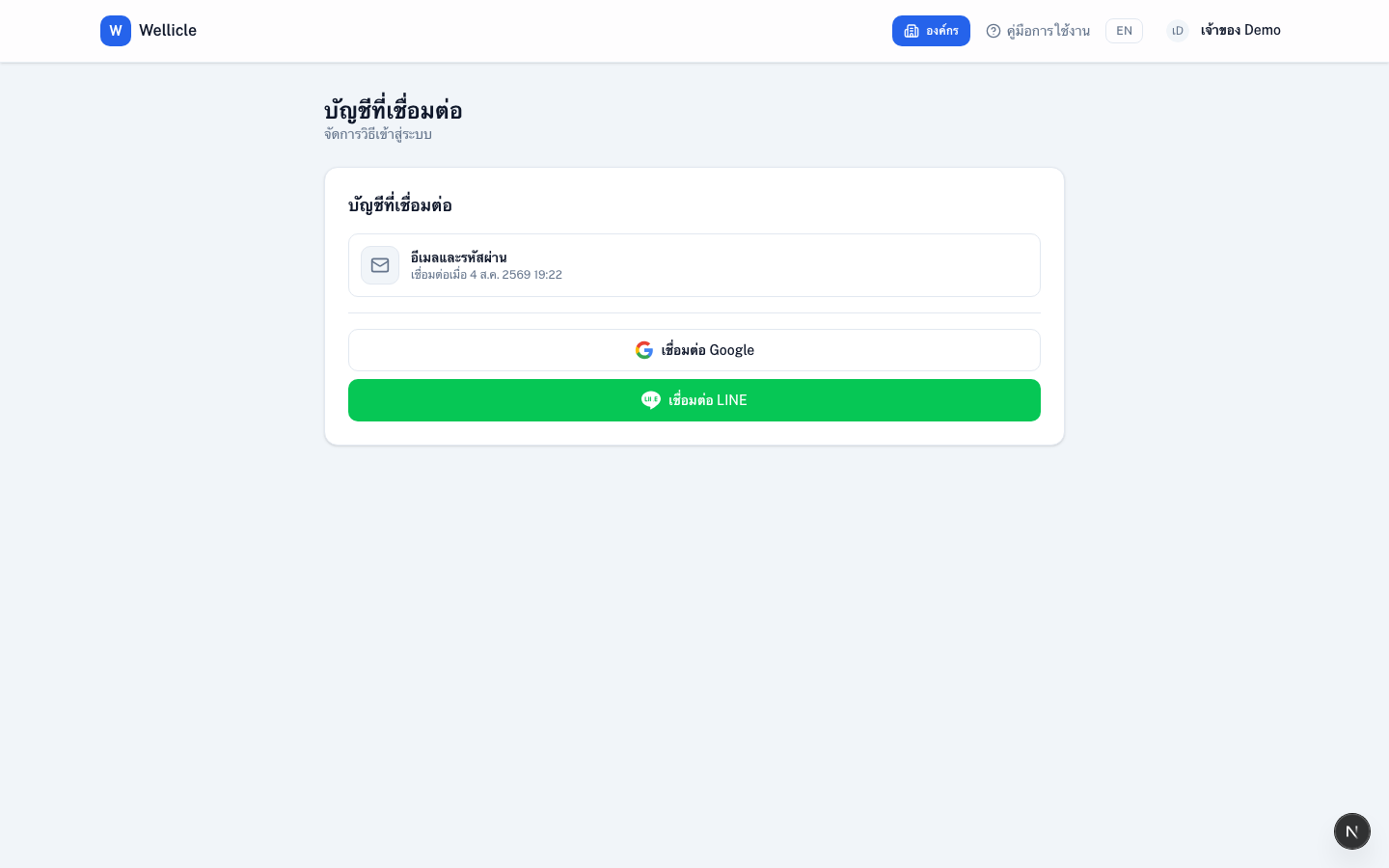
Manage linked accounts
Open Connected accounts
Go to
/settings/linked-accountsReview providers
See Google, LINE, and Email and password
Connect or disconnect
Choose Connect or Disconnect for Google or LINE
Tips
- Chat apps for care alerts are linked under Notification settings, not here
- Social sign-in on
/logincan create the first link automatically