
Register and sign in
Create an account and sign in with email, Google, or LINE
Overview
Create a Wellicle account with email and password, or sign in with Google or LINE. After sign-in you land on the organization picker or dashboard depending on your memberships.
app.wellicle.com
Register with email
app.wellicle.com
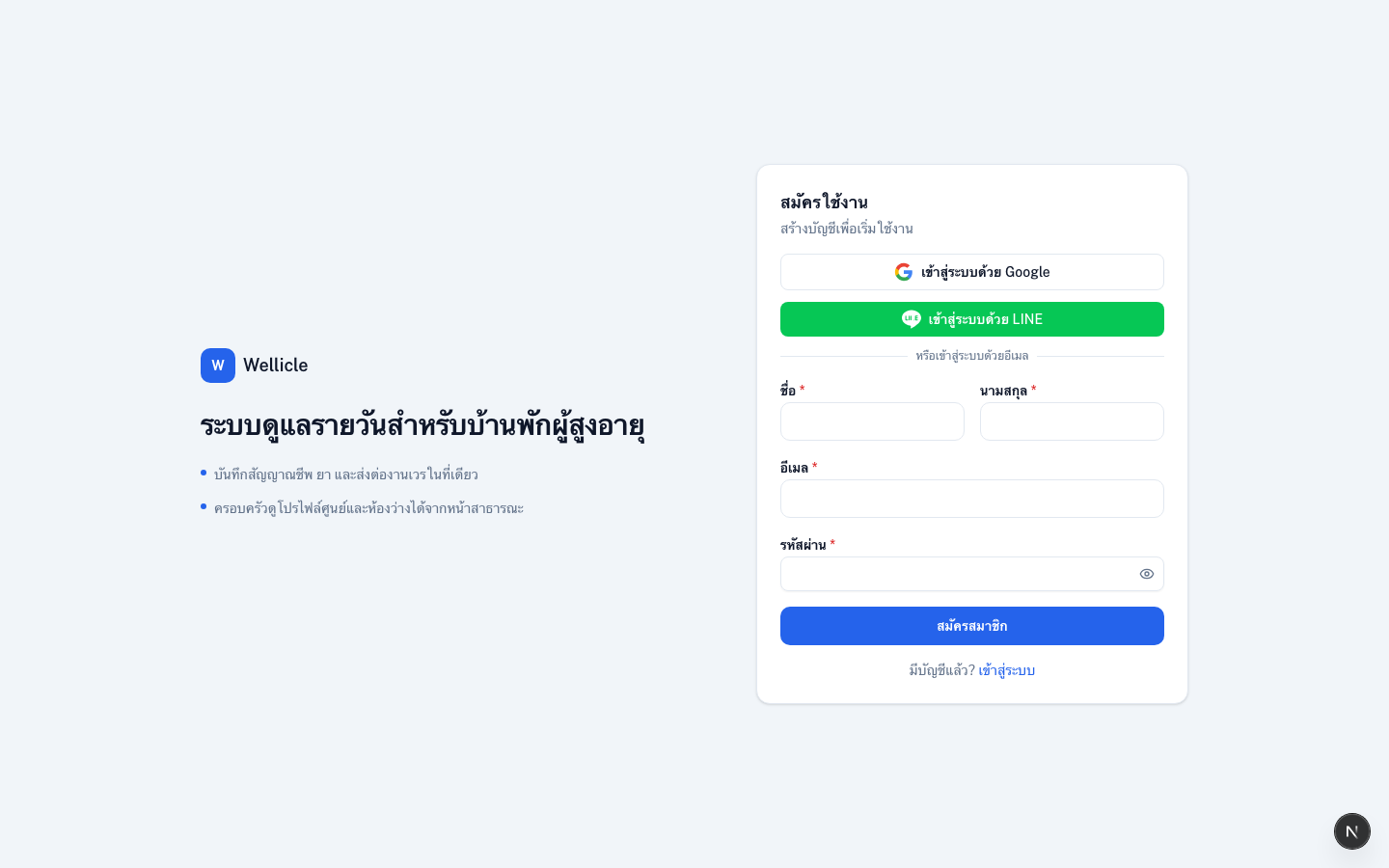
Open Register
Go to Register (
/register)Enter your details
Provide your first name, last name, email, and password, then choose Register
Sign in
Continue at
/loginwith the same email and password
Sign in
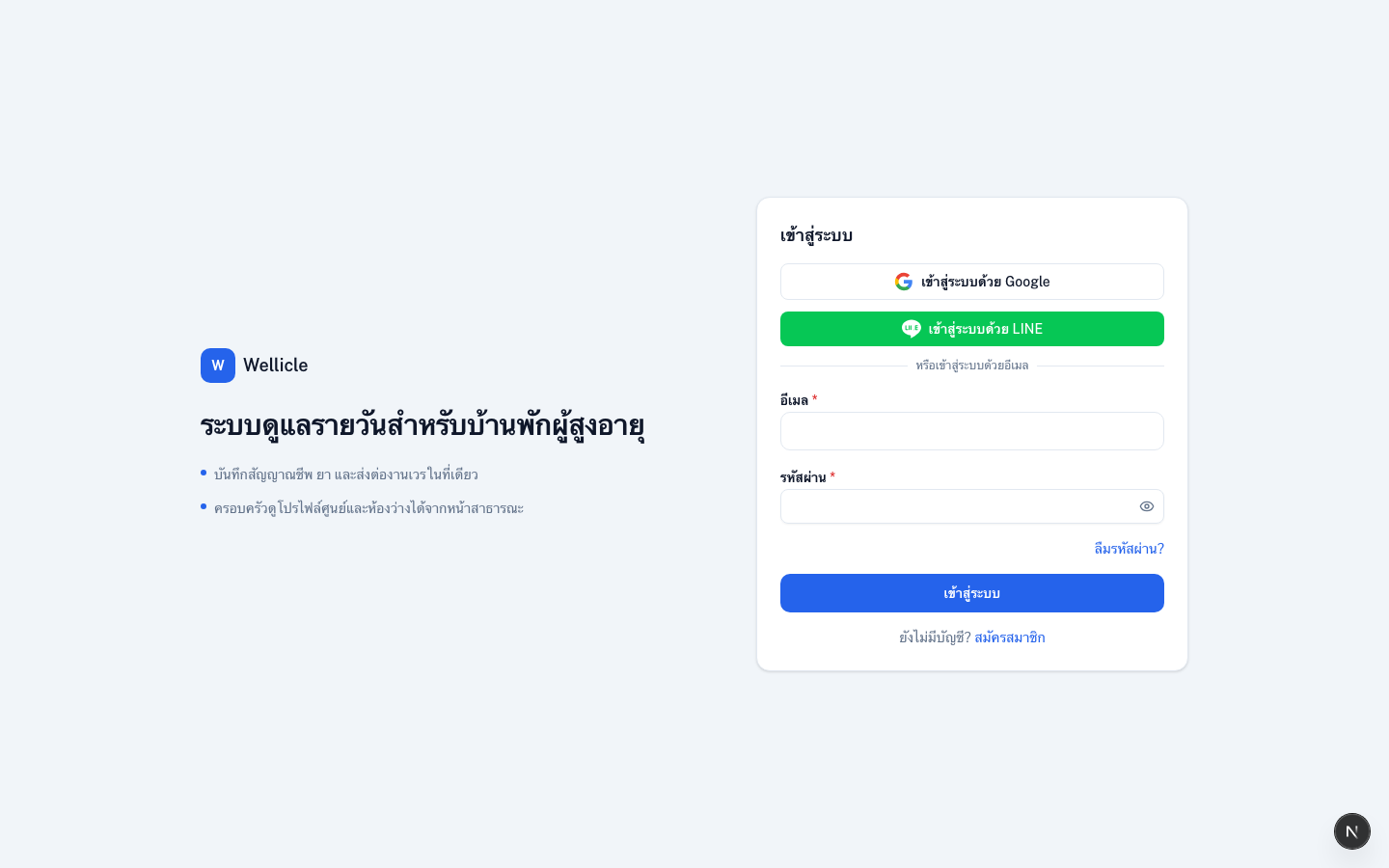
Open login
Go to
/loginEnter credentials
Use your Email and Password, then choose Sign in
Pick an organization
If you belong to more than one organization, choose which one to open from My organizations
Sign in with Google or LINE
- On the login page, choose Continue with Google or Continue with LINE
- Approve the provider consent screen
- First-time social sign-in creates your Wellicle account automatically
Tips
- Forgot your password? Use Forgot password
- After you join a facility, staff work in
/org/{slug}/...and family/clients use/{slug}/...