
Resident medications
Assign medications to residents, schedules, and logs
Overview
Resident medications are prescriptions assigned from the organization catalog. Daily give/miss logging happens in Daily care; this page is for the prescription list and today’s schedule.
app.wellicle.com
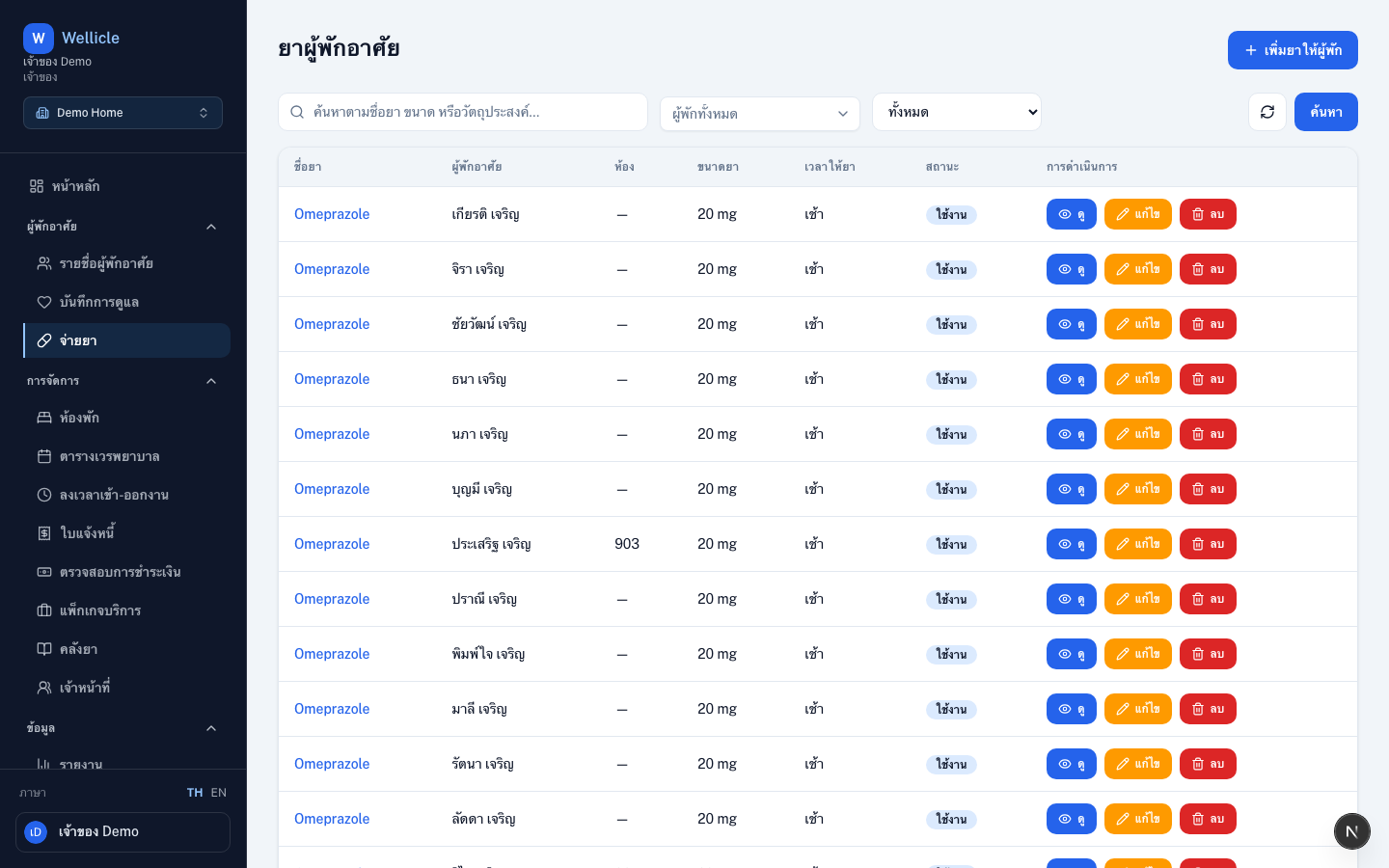
Open medications
Go to Medications or /org/{slug}/medications.
Assign a medication
Assign medication
Choose Assign medication (
/org/{slug}/medications/new)Pick resident and catalog item
Select the resident and a catalog medication
Set schedule
Adjust dosage, frequency, administration times (morning / noon / evening / before bed), and dates, then save
Administer / log
Mark today’s doses as Given or Missed from Daily care:
- Open Daily care → New record
- Select the resident (date stays today)
- Mark each pending medication, then save
Logs appear in the daily care list when filtered by Medication.
Tips
- Deactivate a prescription when it is no longer needed instead of deleting history
- Use Manage medications from a daily log to jump back to this list for that resident