
Forgot password
Reset your password with an email OTP
Overview
If you sign in with email and password, you can reset it with a one-time code sent to your inbox.
app.wellicle.com
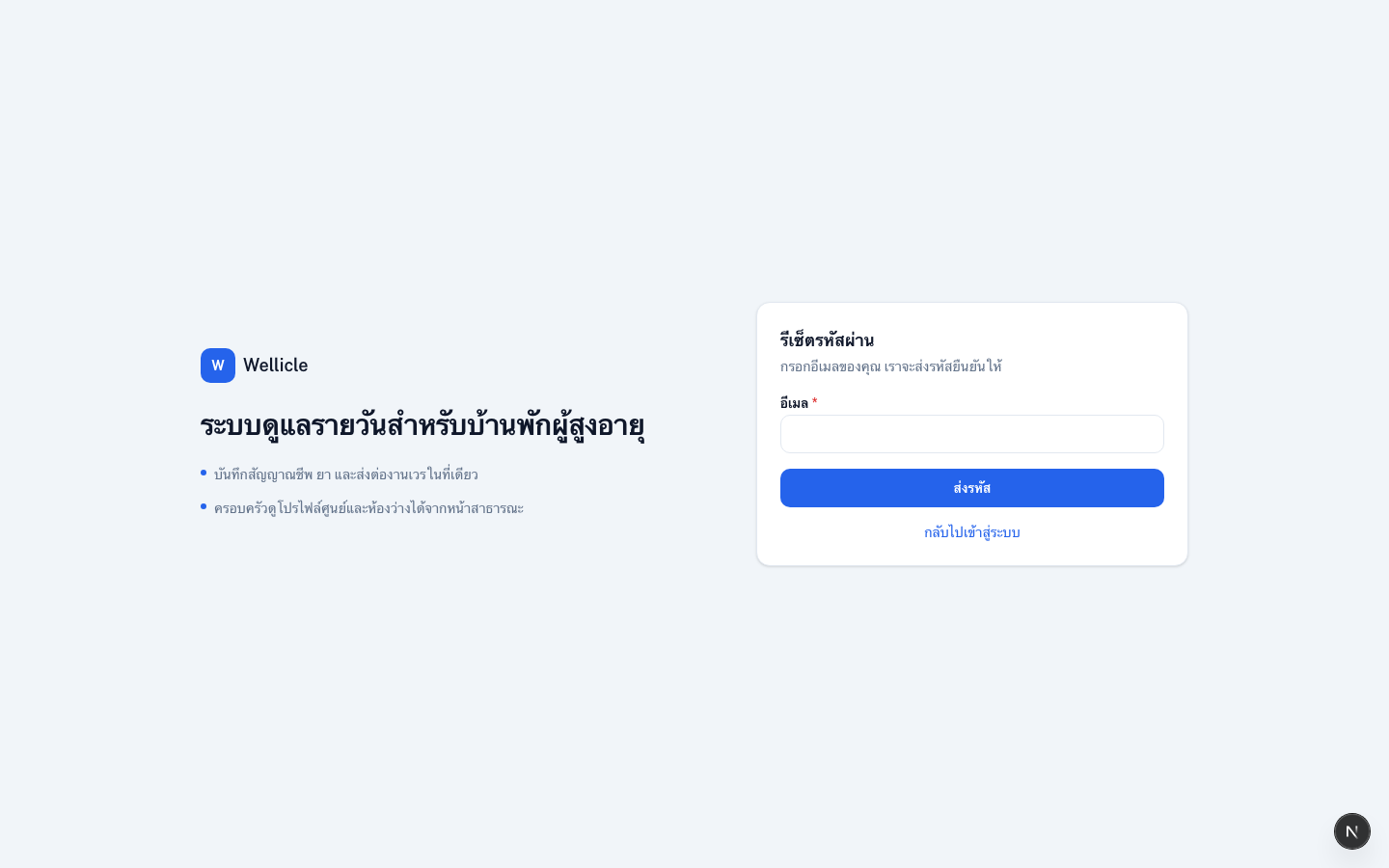
Request a code
Open Forgot password
From
/login, choose Forgot password? or go to/forgot-passwordEnter your email
Type the account Email, then choose Send code. If the email is not registered, an error message is shown.
Check your inbox
When the email is valid, a verification code is sent to your inbox (check spam too)
Set a new password
Open the reset form
Continue to
/reset-password(or the link from email)Enter the code and new password
Fill Verification code, New password, and confirm it
Sign in
Return to
/loginwith the new password
Tips
- Codes expire; request a new one if the previous code no longer works
- After reset, review linked accounts so you still have a backup sign-in method