
Organization onboarding
Complete initial setup after creating an organization
Overview
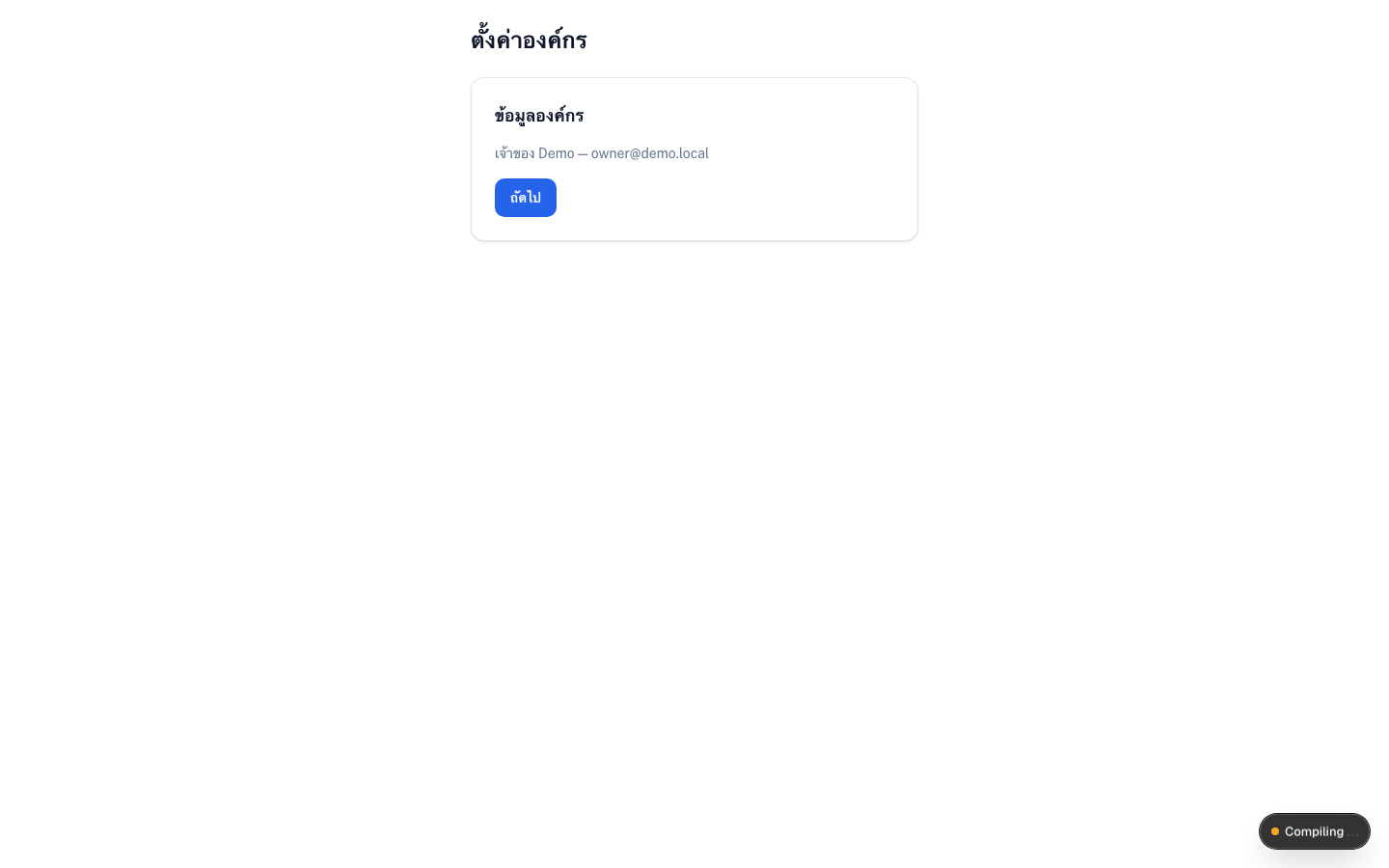
/onboarding walks you through the basics before day-to-day operations — organization details and workplace setup so care, shifts, and timeclock work correctly. You can refine the same settings later under Organization settings.
app.wellicle.com
Recommended steps
Organization info
Confirm name, address, and contact information (
/onboardingstep Organization info, or/org/{slug}/settings)Workplace geofence
Set the workplace location and radius used by timeclock
Team
Invite members and assign positions
Billing catalog
Add service items (package / add-on) if you will invoice residents
When finished, open the staff dashboard at /org/{slug}/dashboard.
Tips
- Set the geofence before staff rely on check-in/out
- Add shift types at
/org/{slug}/shifts/typesbefore building the week calendar