
Positions
Configure organization positions and permissions
Overview
Positions wrap a base role (OWNER, ADMIN, MANAGER, NURSE) and a permission set. They control which menus and actions each staff member can use.
app.wellicle.com
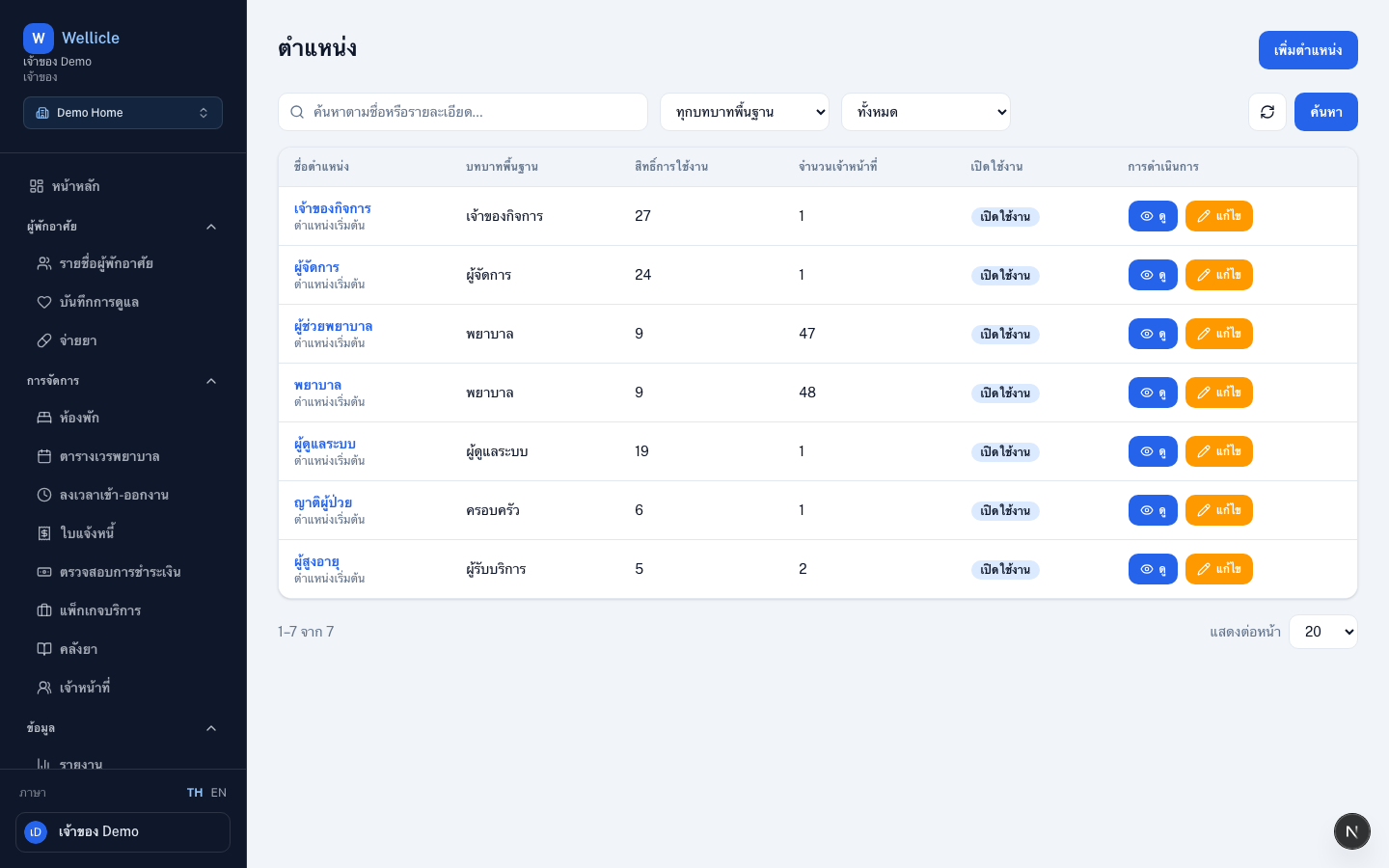
Open positions
Go to Positions or /org/{slug}/settings/positions.
Create or edit a position
Add position
Choose Add position (
/org/{slug}/settings/positions/new)Set name and permissions
Name the position, pick the base role, and toggle module permissions (read / write / delete / manage)
Save and assign
Save, then assign it when you invite members
Tips
- Create a caregiver position for nurses that includes health and medications but not billing
- Keep OWNER limited to people who should see the audit log