
Family contacts
Residents add, edit, or unlink their own family contacts
Overview
CLIENT users manage family contacts for their own care profile. FAMILY users cannot open this page — staff or the resident invite them instead.
app.wellicle.com
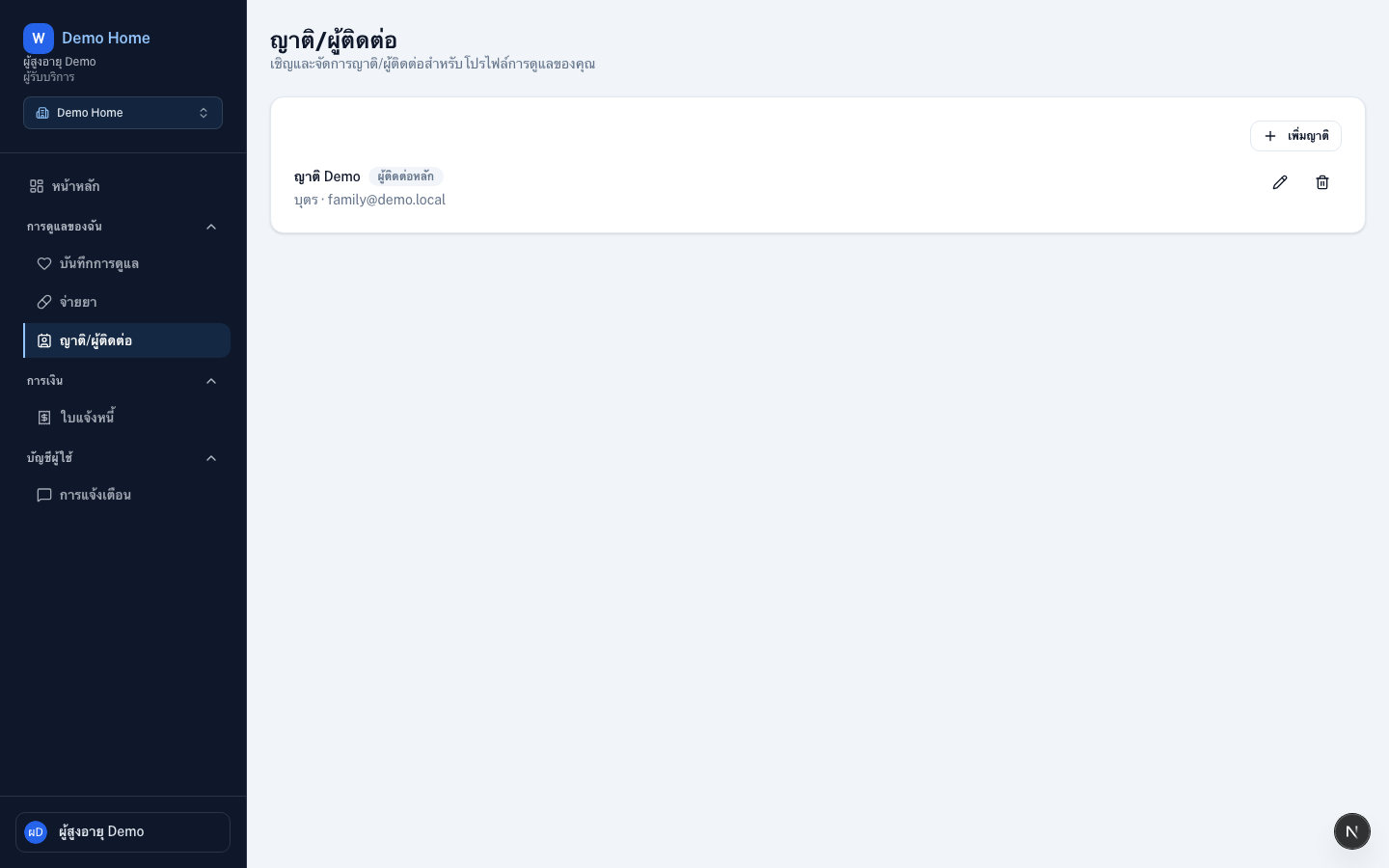
Open family contacts
Sign in as the resident and go to Family contacts at /{slug}/family.
Inviting family contacts requires a plan that includes the family portal. If you see an upgrade message, ask an owner to upgrade under Settings → Plan.
Add a family member
Add family
Choose Add family
Invite by email
Enter name, email, and relationship, then Send invite. If they already have an account, they are linked right away
Add without email
Leave email blank, enter name and phone, then Add contact. Email is only required when sending an invitation
Set primary contact
Mark a primary contact when you have more than one family member
Edit or remove
Open a contact to change relationship, or Remove family contact to revoke portal access to this resident.
Tips
- Staff can also add family from the resident profile under
/org/{slug}/clients/{id} - After linking, family should open notification settings to receive chat updates