
Notification settings
Link LINE, Telegram, Facebook, WhatsApp, or WeChat for notifications
Overview
Link a personal chat account so the facility can send care summaries and invoice notices. Staff must connect the matching organization channel under Omnichannel first.
app.wellicle.com
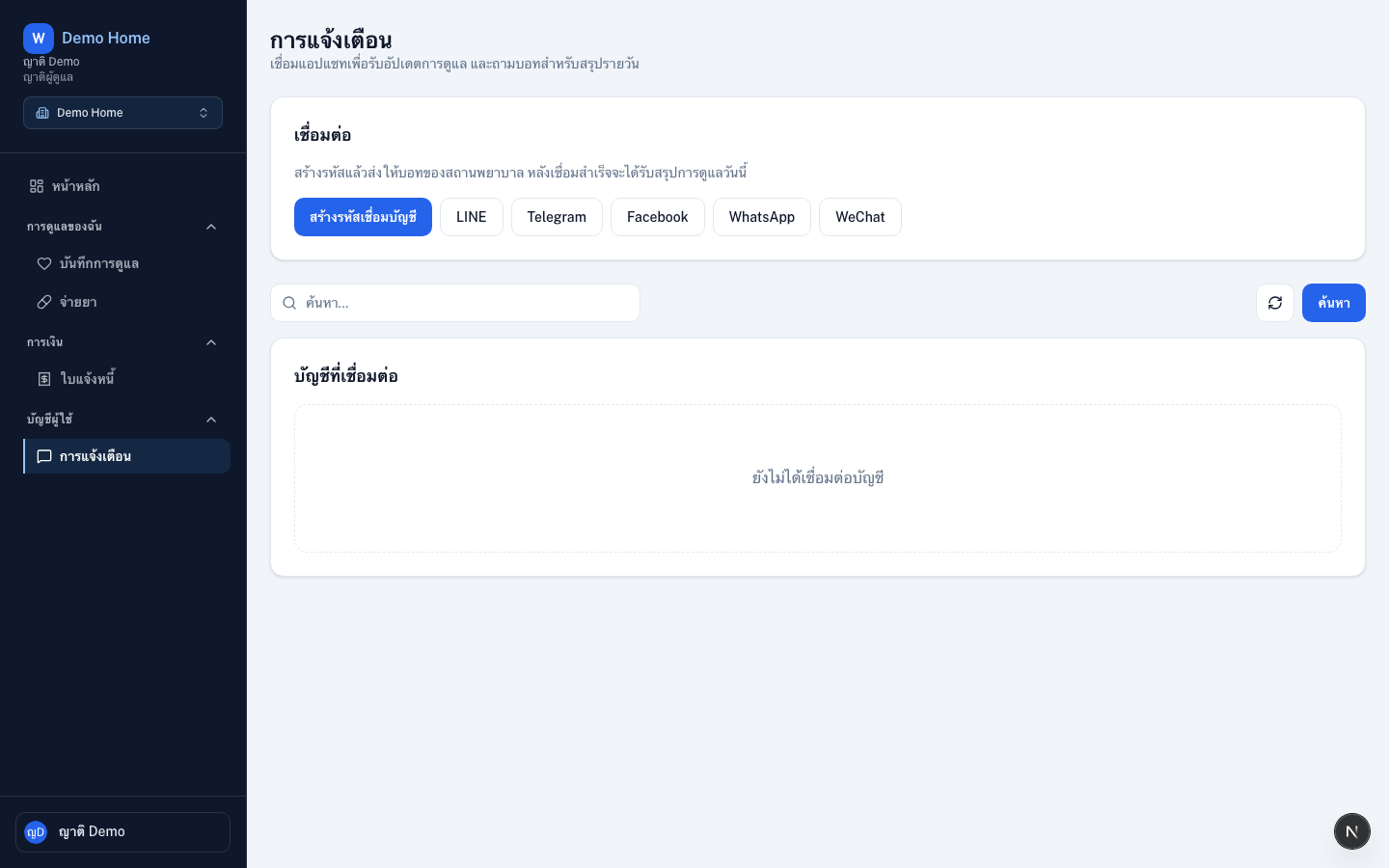
Open settings
Go to Notifications at /{slug}/settings/messaging.
Link a chat app
Choose a platform
Pick LINE, Telegram, Facebook, WhatsApp, or WeChat
Generate a link code
Choose Generate link code. Copy the code before it expires
Send the code to the facility bot
Message the facility’s bot with the code. On Telegram you can also open the bot with
/start CODEConfirm the link
The platform appears under Connected accounts. Unlink anytime with Disconnect
Tips
- Keep at least one working channel if you rely on Publish to family updates
- Sign-in with Google/LINE is separate — see Linked accounts