
View care and medications
Follow care records and medications for your resident
Overview
In the portal you can follow daily care updates and medication schedules for residents linked to your account. Staff create the records; the portal is for visibility. Which sections you see follows the facility’s portal visibility settings.
app.wellicle.com
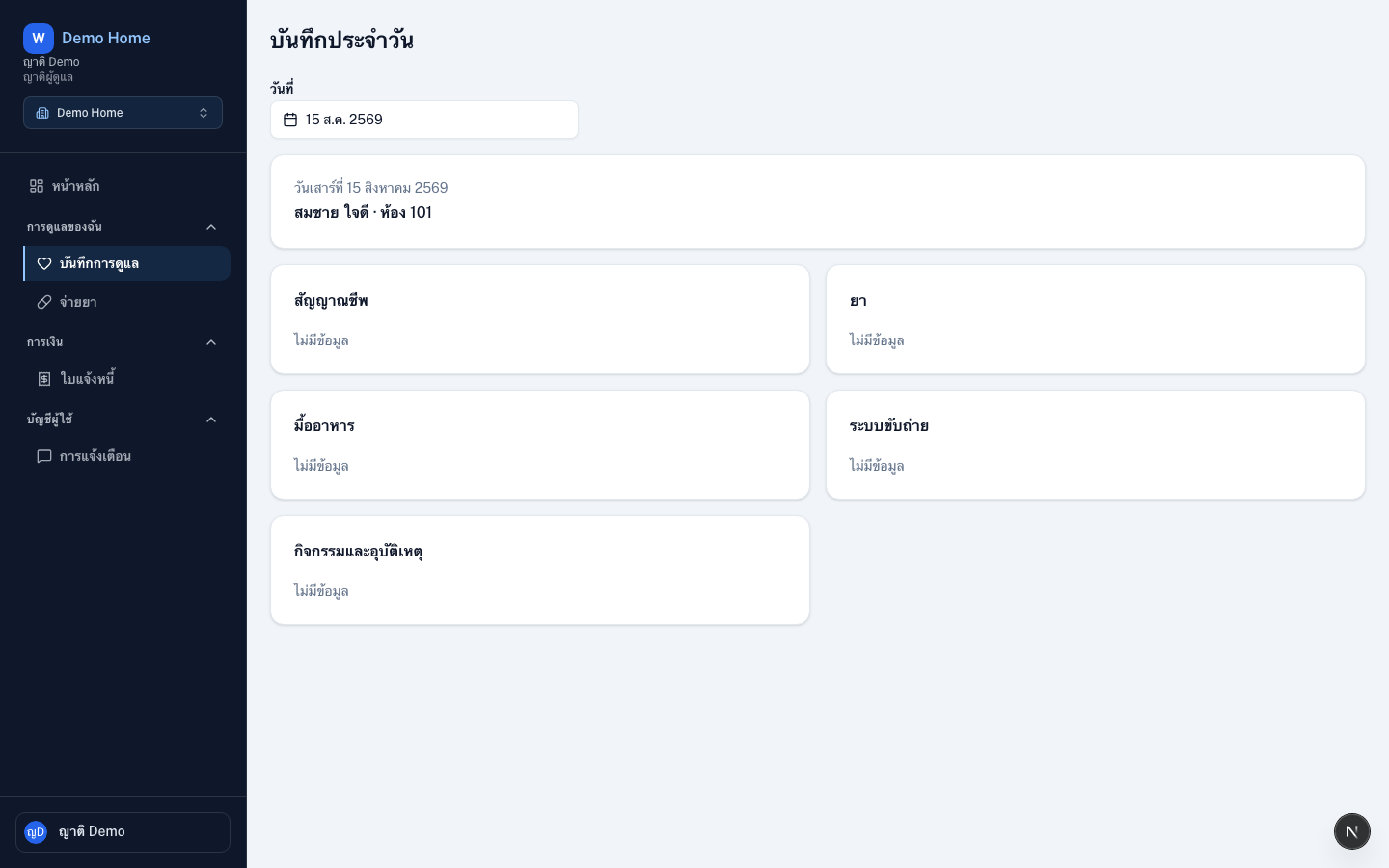
View care records
Open the portal
Go to
/{slug}after signing inOpen Daily care
Open Daily care (
/{slug}/daily-care) or the linked resident profileReview updates
Read vitals, meals, activities, and notes that staff chose to share
View medications
Open Medications (/{slug}/medications) to review schedules. Administration is performed by staff — the portal does not replace nurse workflows.
Tips
- Staff can also Publish to family a day’s summary to email or a linked chat app
- Contact facility staff if something looks incorrect