
Profile
Update your name and personal details
Overview
Your profile is account-wide. It has no organization slug — the same name, phone, and photo apply in every facility you belong to.
app.wellicle.com
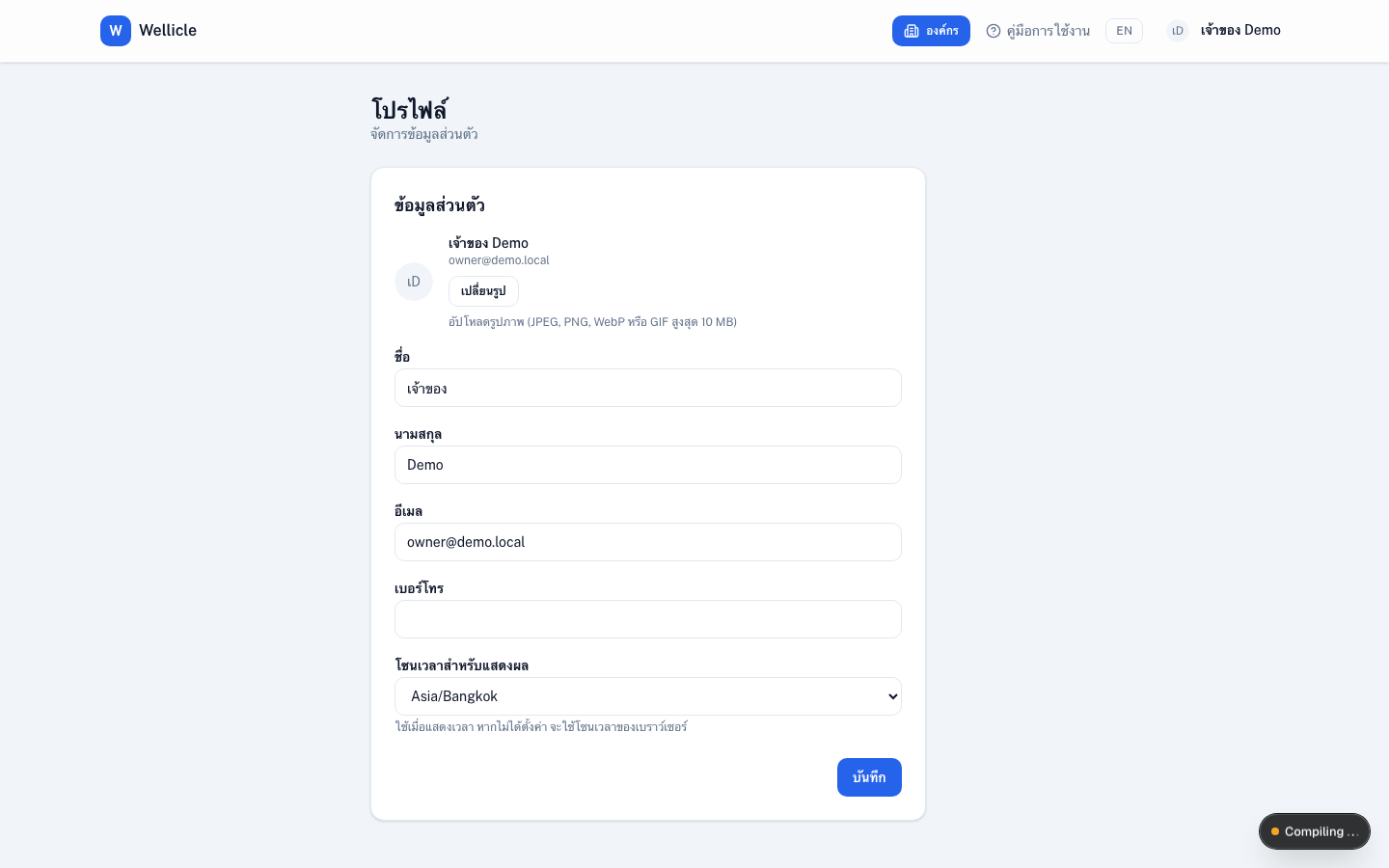
Edit your profile
Open Profile
Go to
/profile, or choose Profile from the user menuUpdate details
Edit first name, last name, phone, display timezone, and profile photo (JPEG, PNG, WebP, or GIF, max 10 MB)
Save
Save. Timestamps across the app use this timezone when set
Tips
- Timezone falls back to your browser if you leave it unset
- Organization details (address, geofence) live under
/org/{slug}/settings, not here