
Timeclock
Check in and out with workplace geofencing
Overview
Timeclock records when staff check in and out. Check-in and check-out require browser location and must happen inside the organization geofence (unless the radius is disabled).
app.wellicle.com
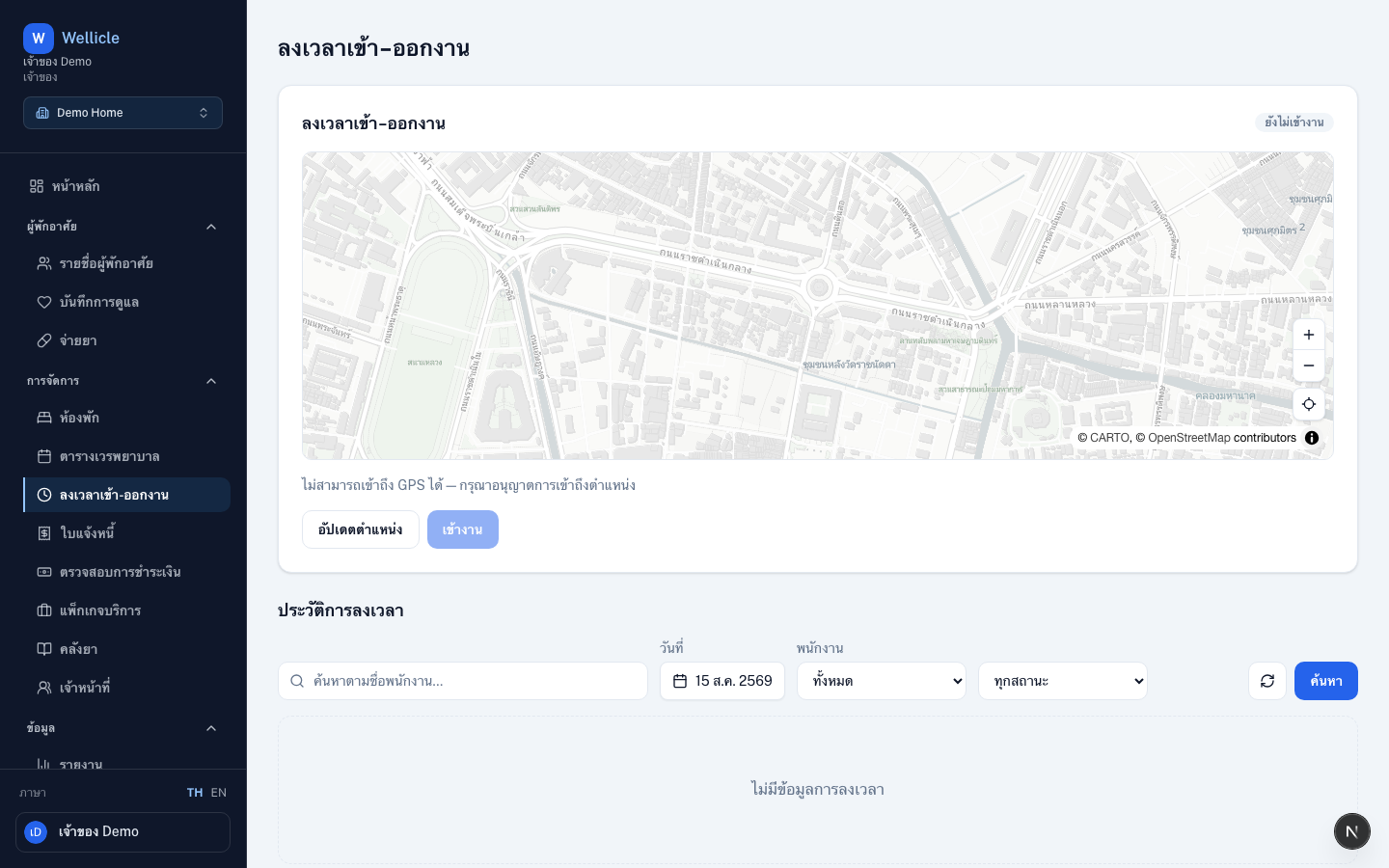
Open Timeclock
Go to Time clock or /org/{slug}/timeclock.
Check in / out
Allow location
Grant browser location access when prompted, or choose Refresh location
Check in
Choose Check in while you are inside the organization geofence
Check out
Choose Check out when you leave for the day
History
The Time clock history table lists past sessions. Filter by date, staff member, or status. Managers can open details for review.
Tips
- Complete geofence setup during onboarding before staff rely on timeclock
- Pair with the shift calendar to compare assigned vs. worked time