
Resident admission
Complete the 8-step admission workflow
Overview
Admission takes a resident from first contact to an active stay. Work through each wizard step and save before continuing — skipping required steps can block activation.
app.wellicle.com
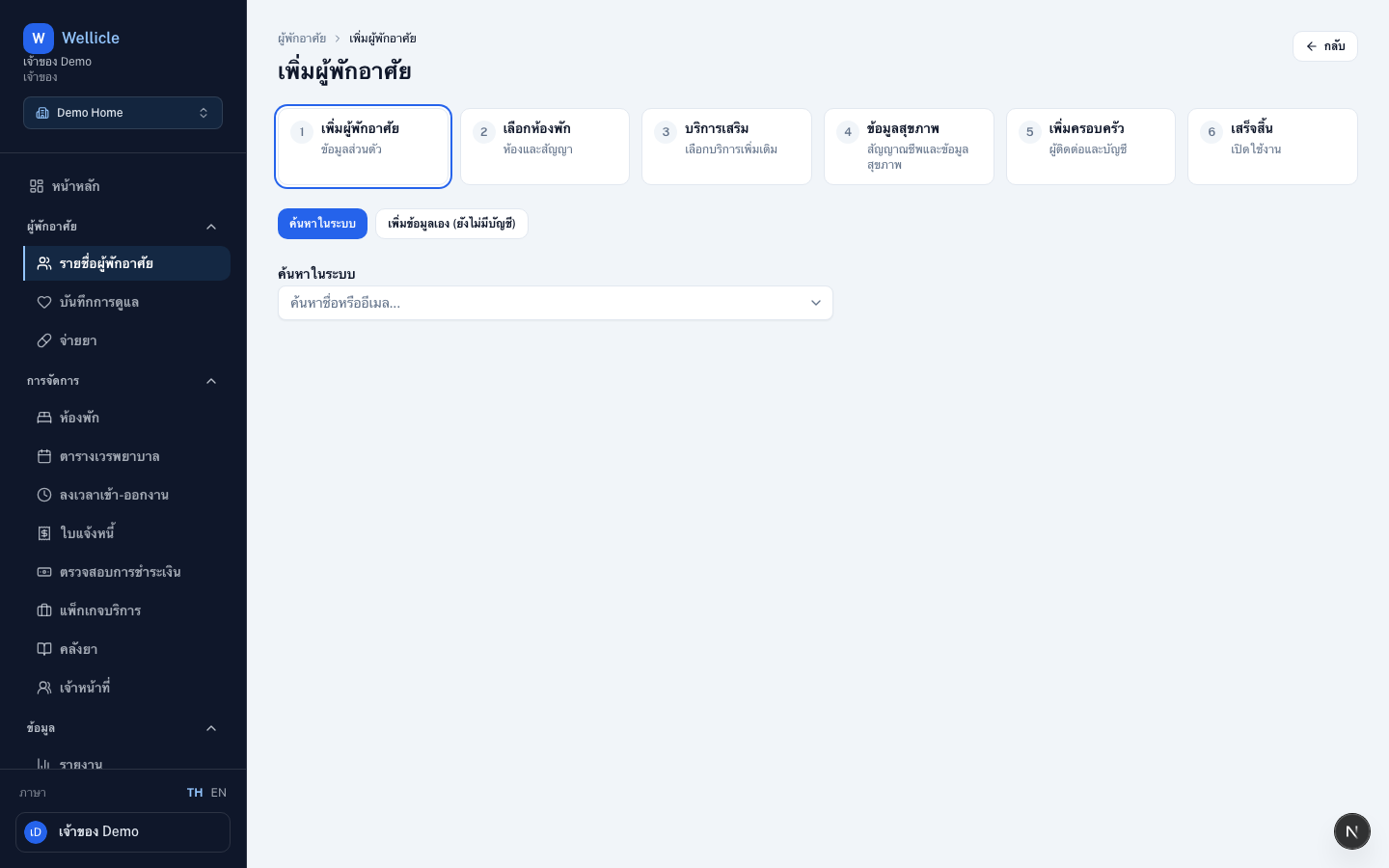
Start admission
Open the wizard
Choose Add client on
/org/{slug}/clients, or go to/org/{slug}/clients/newAdd resident
Save personal details first (Add resident) — email and phone are optional
Complete remaining steps
Continue through room, services, health, family, then Done
Wizard steps
- Add resident — personal details (email and phone optional)
- Select room — room and contract (start date, monthly fee, deposit)
- Add-on services — optional extras from the service catalog (optional; use Skip for now)
- Health information — vitals and health details (optional)
- Add family — contacts and portal accounts
- Done — activate daily care routines
After admission
- Confirm the room status reflects occupancy
- Enroll service packages when billing is used
- Invite family members if you skipped that step — you can still link them from resident details