
Roles and permissions
What OWNER, ADMIN, MANAGER, NURSE, FAMILY, and CLIENT can do
Overview
Wellicle uses system roles plus organization Positions. Positions wrap a base role and a permission set, so two managers can see different menus.
app.wellicle.com
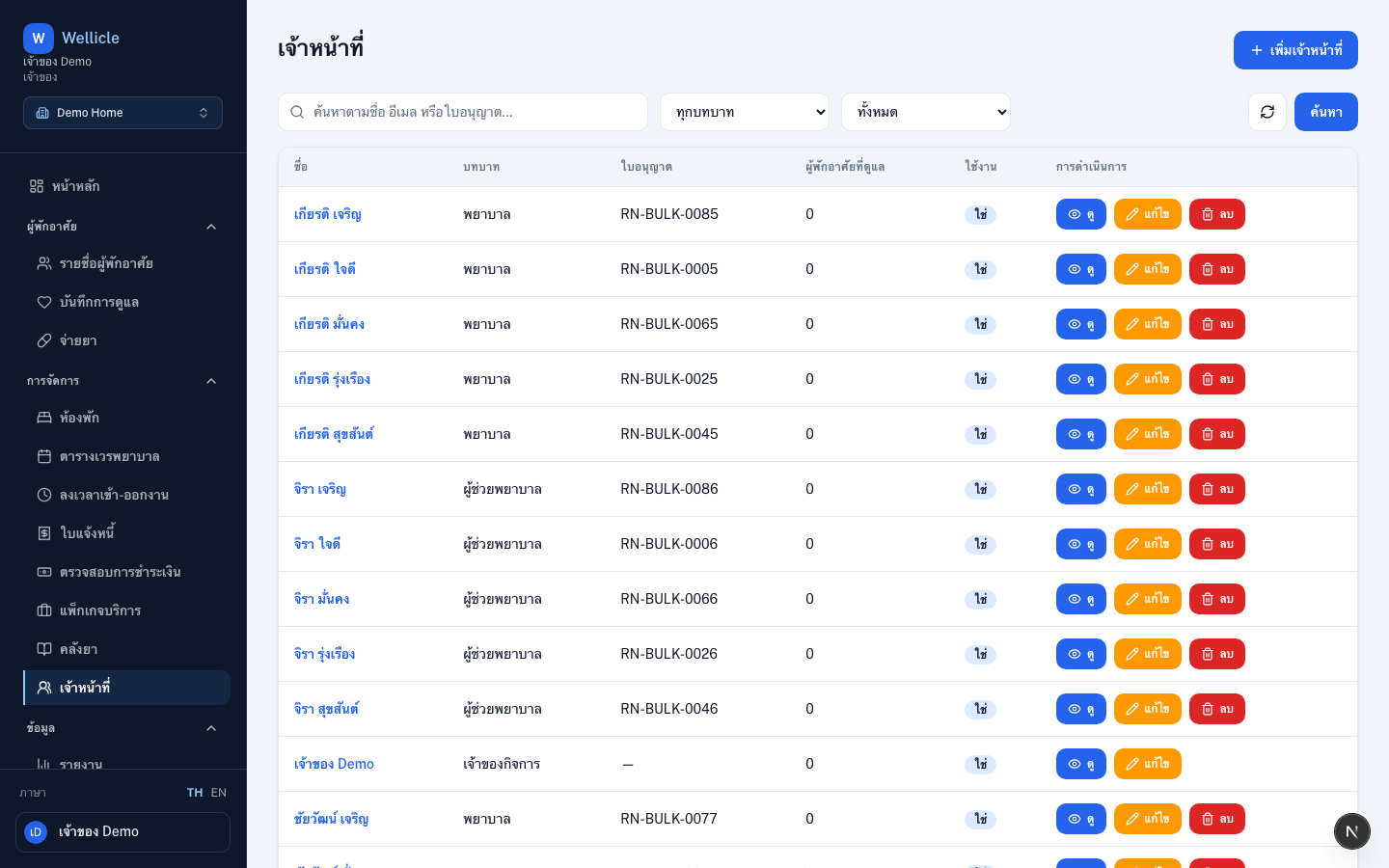
System roles
| Role | Main access |
|---|---|
| OWNER | Organization settings, audit, billing, members, omnichannel |
| ADMIN | Near-OWNER access based on the assigned position |
| MANAGER | Day-to-day ops — residents, shifts, billing, reports |
| NURSE | Care logs, medications, own shifts, timeclock |
| FAMILY | Portal — care visibility and invoices for linked residents |
| CLIENT | Portal — own care records, invoices, and family contacts |
Permission keys
Some menus and actions are gated by permissions such as clients:write or invoices:read. If you cannot see a menu, ask an OWNER to adjust your position.
Tips
- Invite staff from Members; invite family from the resident profile
- Review Positions before hiring so new members land with the right menus