
Manage rooms
Add, edit, and track room status
Overview
Rooms track occupancy across the facility. Assign residents only when capacity remains.
app.wellicle.com
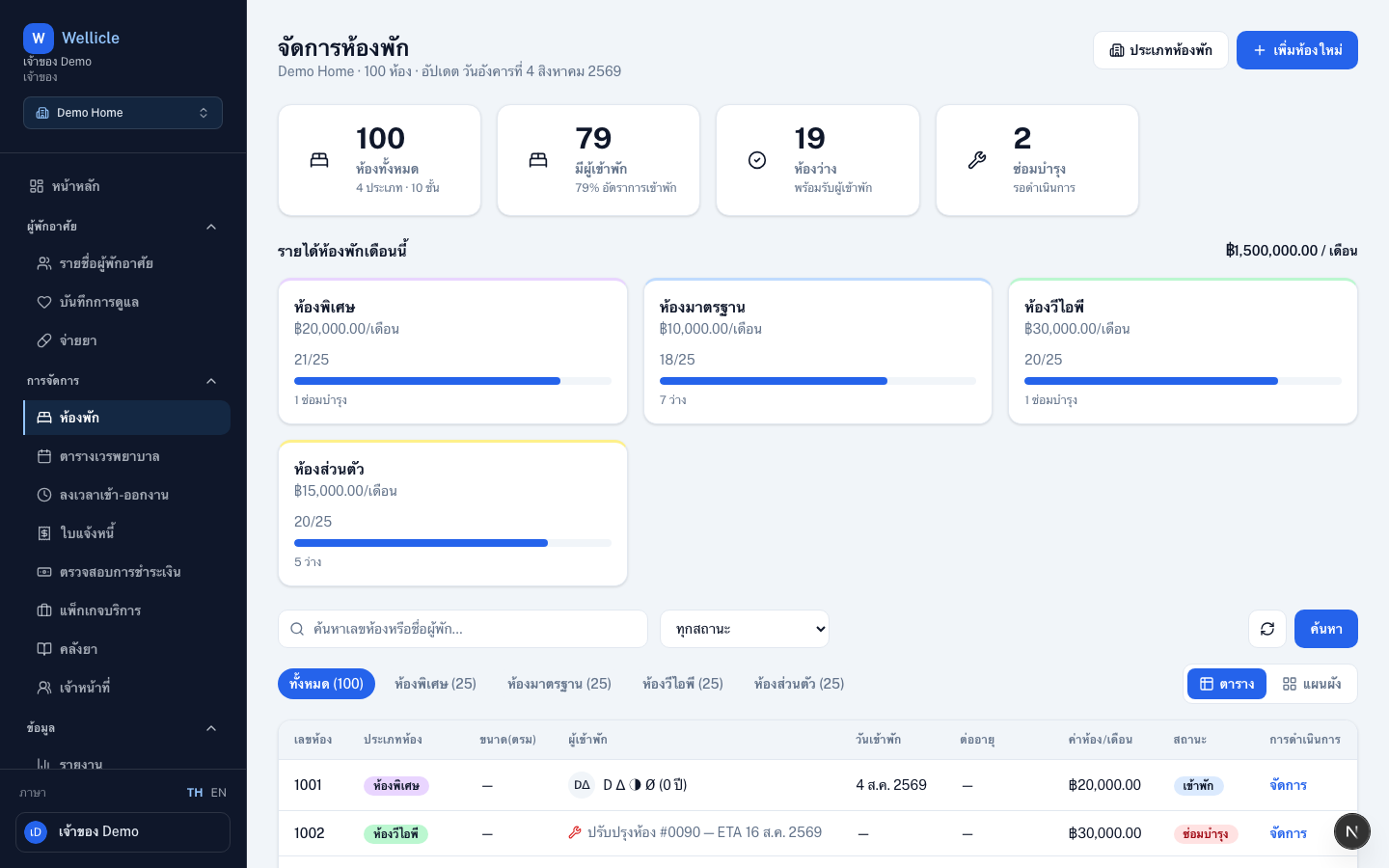
Open rooms
Go to Rooms or /org/{slug}/rooms.
Add a room
Add room
Choose Add room (
/org/{slug}/rooms/new)Choose type and number
Select a room type, room number, and capacity
Save
Save, then assign residents from the room or from the resident profile
Room status
- Available — free
- Occupied — assigned (updates on room assignment)
- Maintenance — temporarily unavailable
Tips
- Filter by status or type, and search by room number or guest name
- Ensure enough available capacity before admitting residents