
Switch organization
Switch between organizations you belong to
Overview
If your account belongs to multiple organizations, switch before working so residents, shifts, and invoices stay scoped to the right facility.
app.wellicle.com
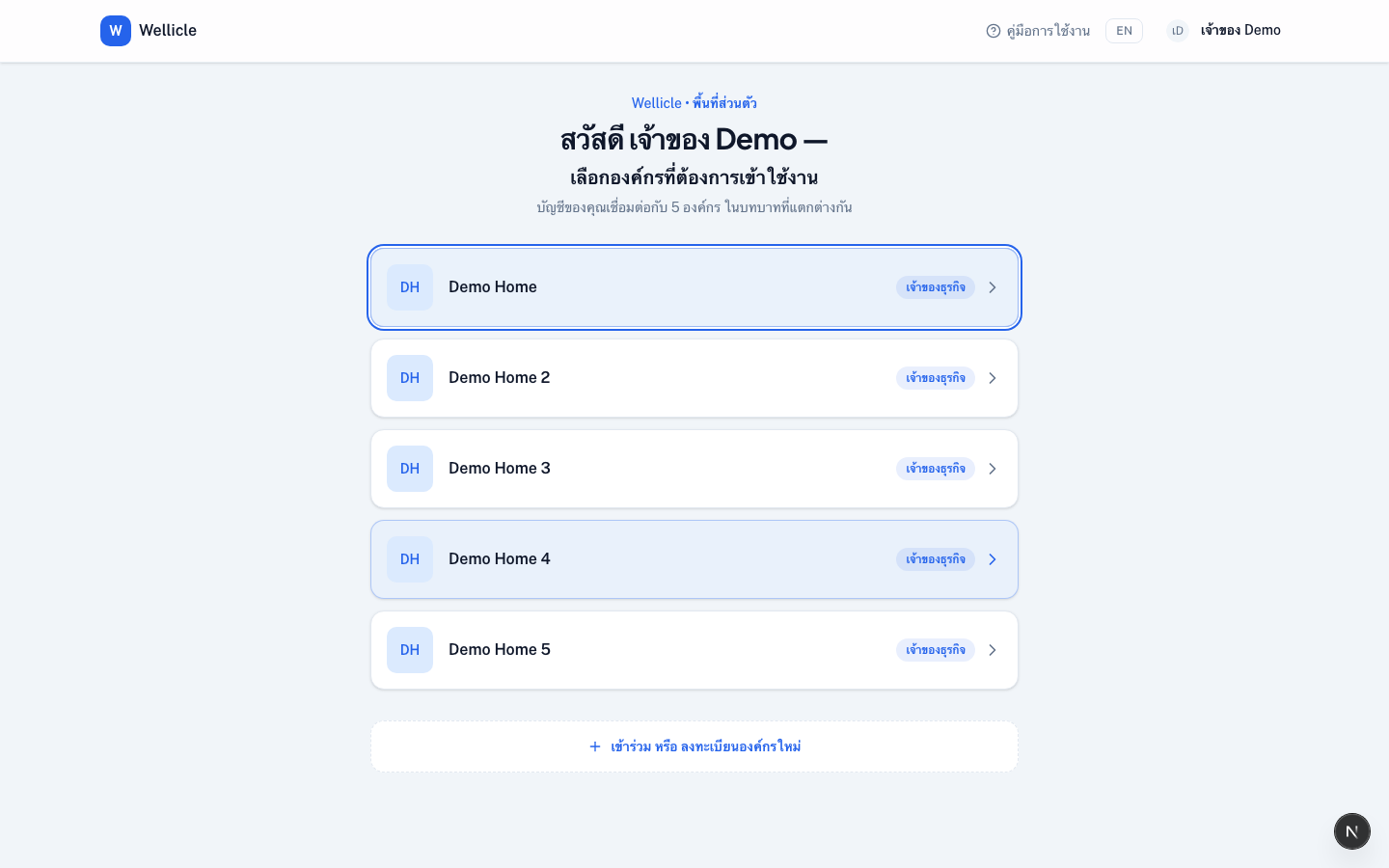
How to switch
Open My organizations
Go to
/dashboardor use the organization control in the headerSelect the organization
Choose the facility you need
Land on the right home
Staff open
/org/{slug}/dashboard. Family and clients open/{slug}
Tips
- Create another facility from
/organization/newif you run more than one home - Account settings (
/profile,/settings) have no slug — they apply across every organization