
Waiting list
Manage people waiting for admission
Overview
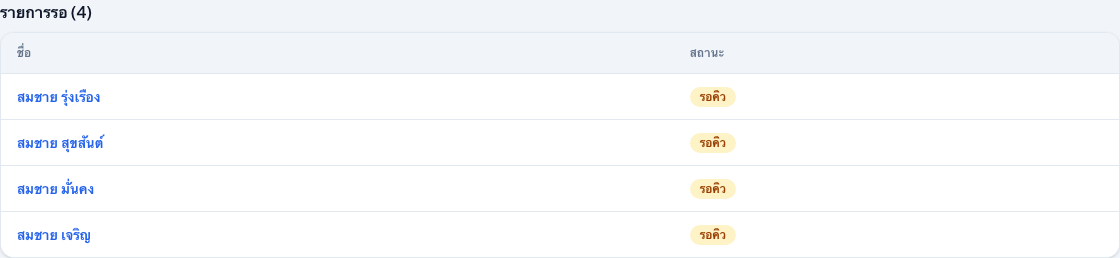
The waiting list tracks people who are interested in joining before a room is assigned. It is a section on the Clients page — not a separate URL.
app.wellicle.com
How to use it
Open Clients
Go to
/org/{slug}/clientsReview the waiting section
When you have
clients:write(or manage access), a Waiting list table appears above the main listFilter the main table
Set status to Waiting to focus the full table on waitlisted residents
Open a profile
Select a name, then assign a room when capacity is available to continue admission
Tips
- Start a new waitlisted resident with Add client and set status during admission
- After a successful room assignment, the person appears as Active in the resident list