
Reports
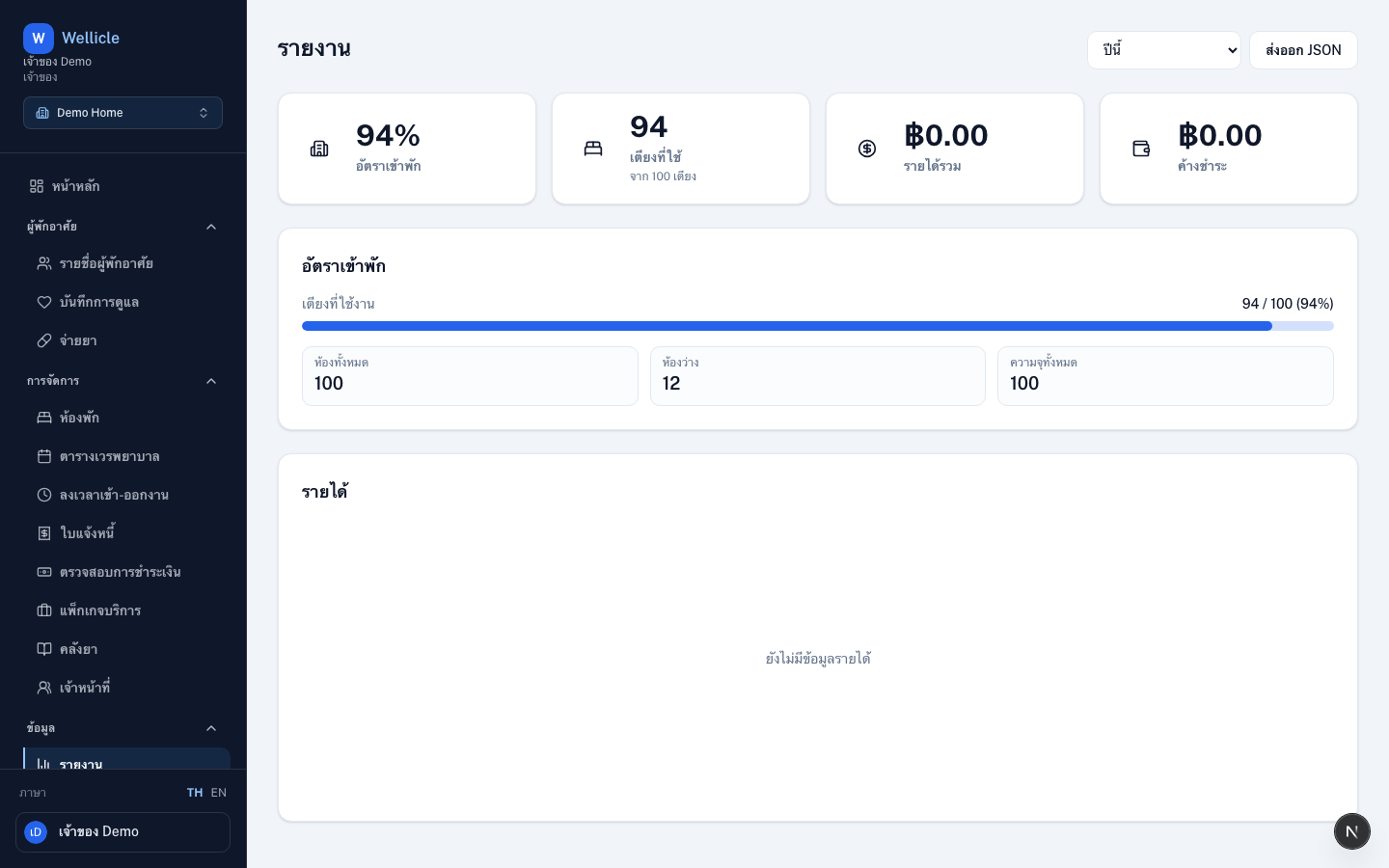
Review occupancy and revenue reports for this month or this year
Overview
Reports summarize occupancy and revenue for the organization. Requires reports:read (Owner, Admin, Manager).
app.wellicle.com
Open reports
Go to Reports or /org/{slug}/reports.
Available reports
- Occupancy — occupancy rate, beds filled vs capacity, room counts
- Revenue — total revenue vs unpaid, with a monthly paid/unpaid bar chart
Choose a period
Select This month or This year from Report period
Review KPI cards and charts
Occupancy and revenue cards update with the selected period
Export JSON
Use Export JSON in the header when you need a file. PDF/XLSX export is not available yet
Tips
- Pair occupancy with the rooms list when investigating empty beds
- Unpaid totals should match overdue invoices on Invoices