
Resident details
View and edit profile, assign rooms, and link family on the resident profile
Overview
The resident profile is the hub for personal details, room assignment, family contacts, and jumps into care, medications, and invoices.
app.wellicle.com
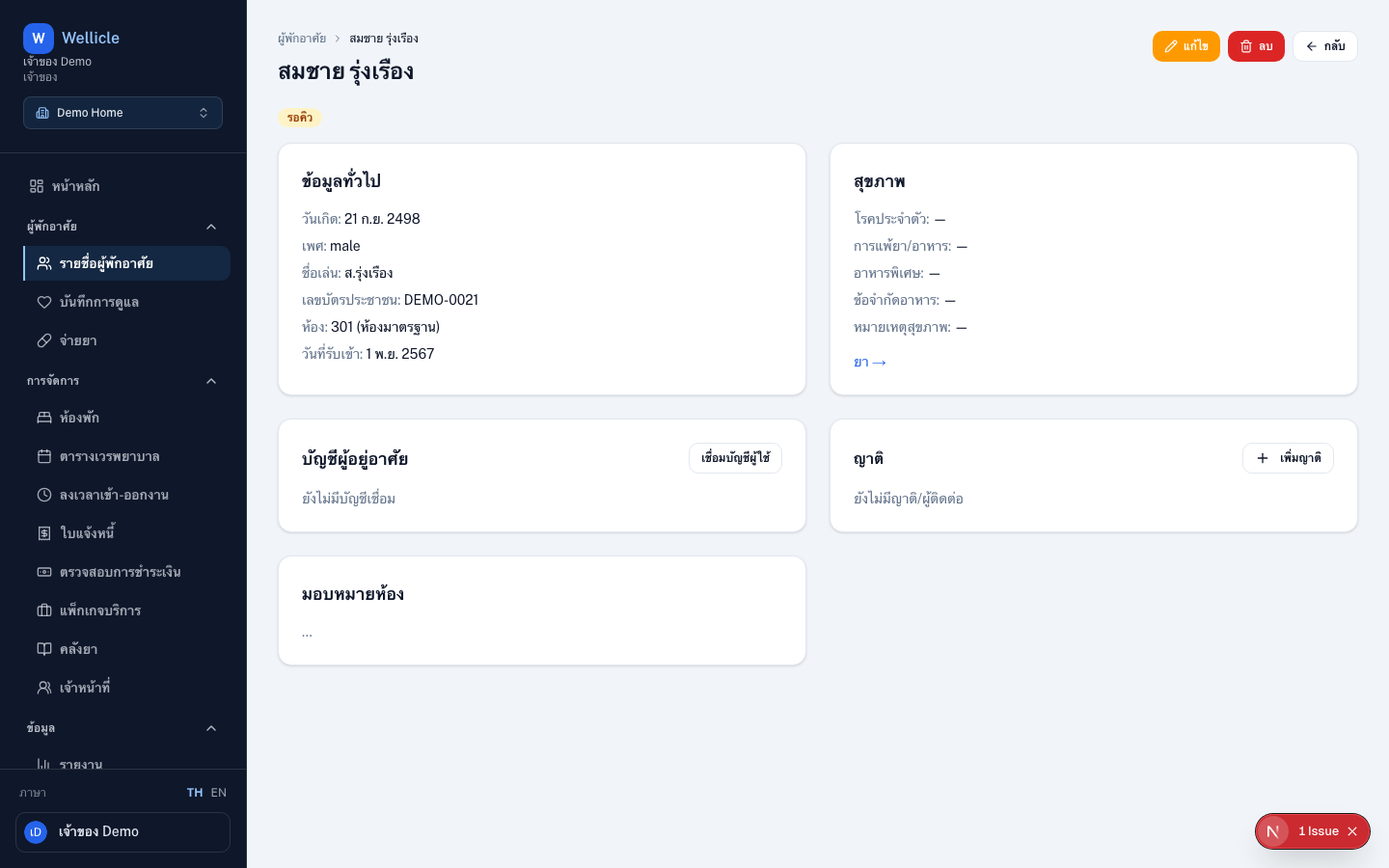
Open a profile
From the resident list, open /org/{slug}/clients/{id}.
What you can do
Review the profile
Check personal details, room, status, and health summary
Edit when you have write access
Use Edit (
/org/{slug}/clients/{id}/edit) if you haveclients:writeAssign or change rooms
Capacity is validated before the assignment is saved
Link family
In Family contacts, choose Add family to add a contact with name and phone (email optional), invite by email, or search an existing user. Set relationship and primary contact
Tips
- Jump to medications or invoices from the profile when those modules are enabled
- Unlinking a family contact removes their portal access to this resident