
Using the portal
How to access the portal after being invited
Overview
The consumer portal is for family members and residents. After you accept an invite and sign in, you use /{slug}/... — not the staff shell under /org/{slug}/....
app.wellicle.com
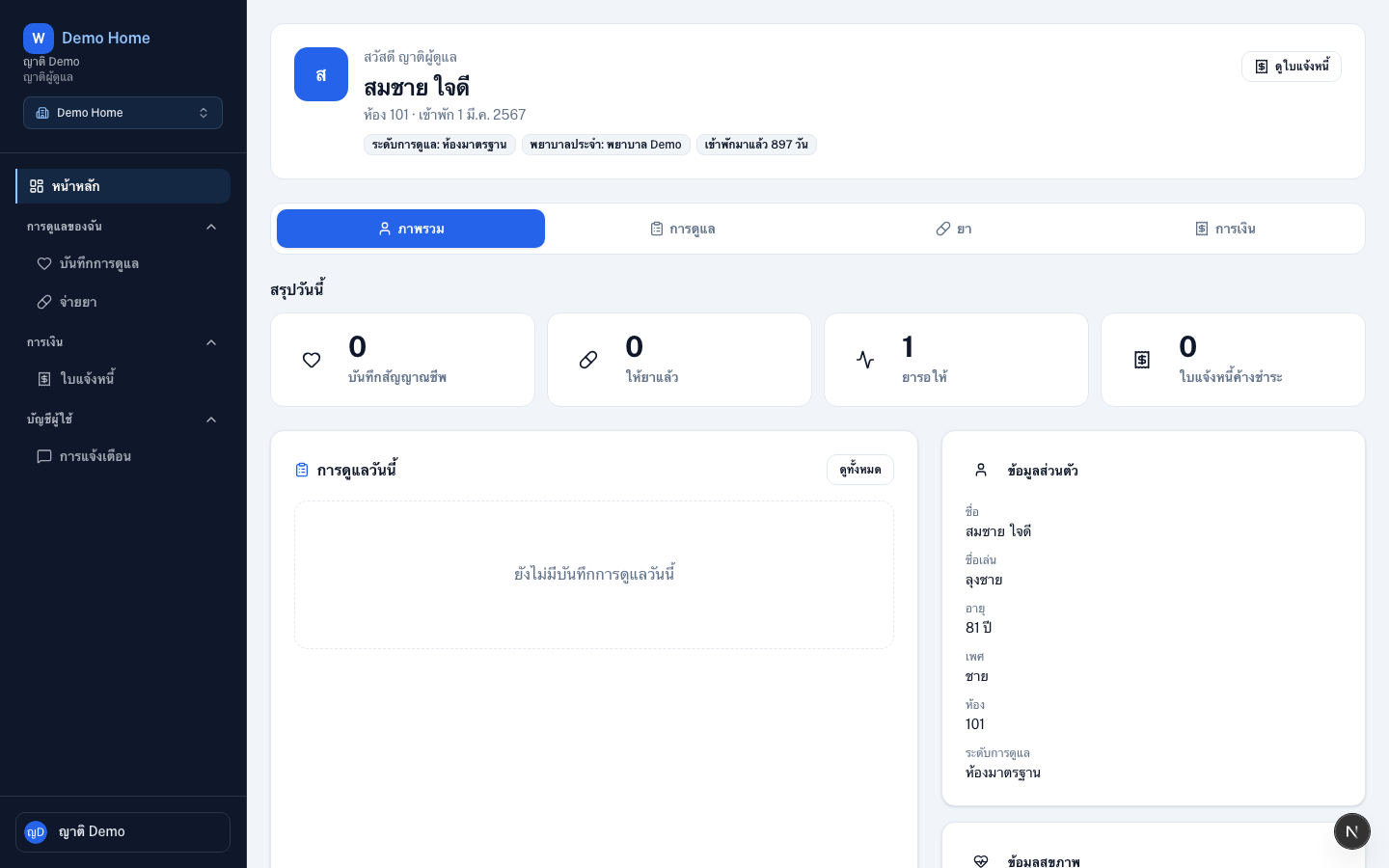
Enter the portal
Accept the invite
Open
/invite/{token}if you are new to the organizationSign in
Use email, Google, or LINE at
/loginOpen portal home
Go to
/{slug}— your portal dashboard
Typical portal actions
- View linked residents
- Follow care and medications
- Check invoices
- Link chat apps under notification settings
- CLIENT users manage family contacts
Tips
- Ask staff to link your account to the correct resident if you do not see care data
- Account settings (
/profile,/settings) work the same as for staff