
View invoices
Check invoices, pay with PromptPay or bank transfer, and track slip status
Overview
Portal invoices show bills after staff confirm them. Drafts stay hidden until Confirm and send.
app.wellicle.com
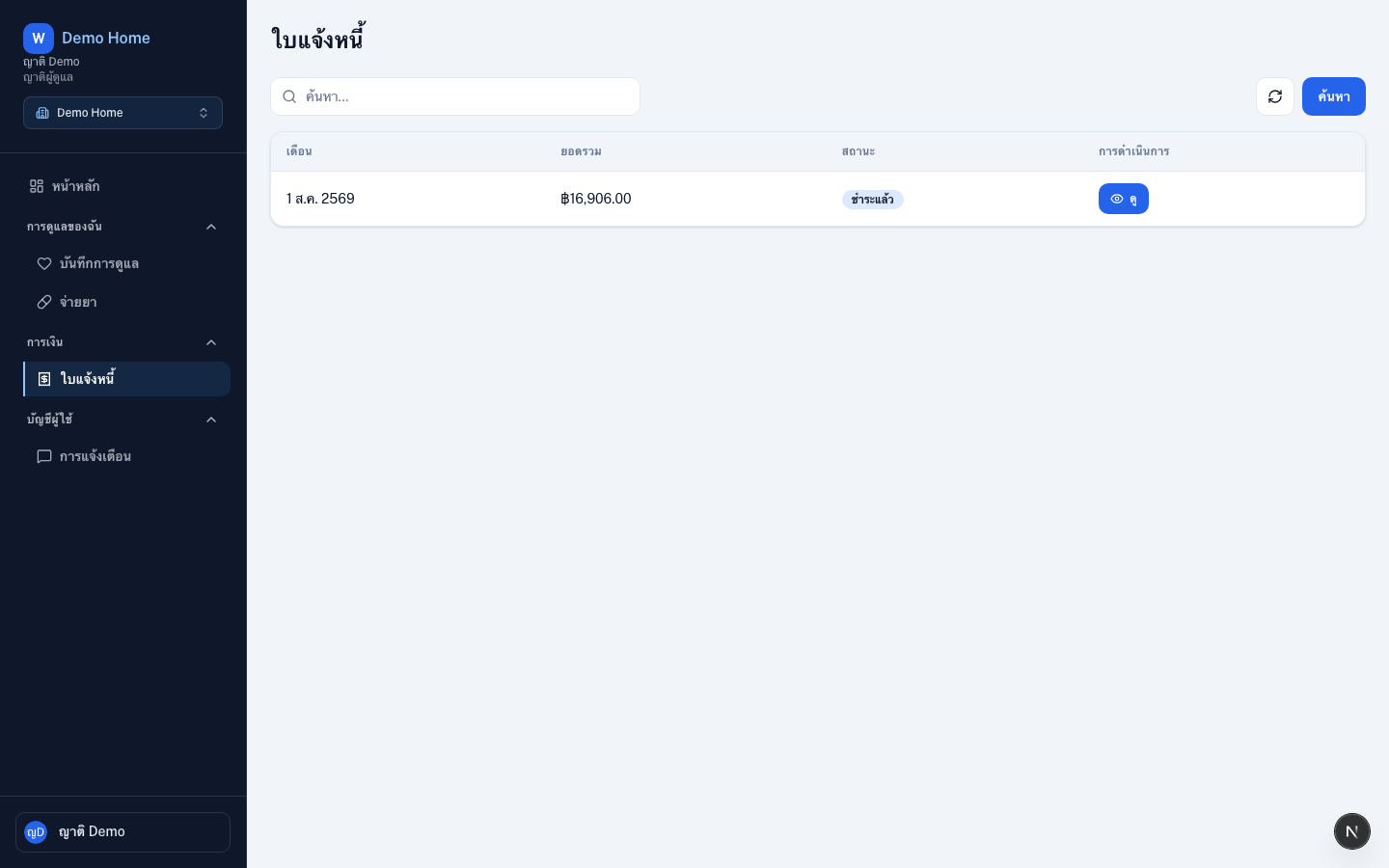
Open portal invoices
Go to Invoices under /{slug}/invoices.
Read an invoice
Select a billing period
Filter by month when the list is long
Open details
Review line items, VAT, and net total
Check status
Pending, Paid, or Overdue
Pay if a balance remains
Scan the PromptPay QR or the uploaded bank QR, or copy the bank account, then upload the transfer slip and submit. Staff confirm the slip before the invoice becomes Paid
Tips
- Unpaid invoices also appear as a shortcut on the portal dashboard
- Ask the facility if a bill you expected is still a draft