
Daily care records
Log daily care, publish to family, and set portal visibility
Overview
Daily care captures vitals, meals, eliminations, activities, and medication checks for each resident in one daily log. Staff record care here; linked family can review updates in the portal according to visibility settings.
app.wellicle.com
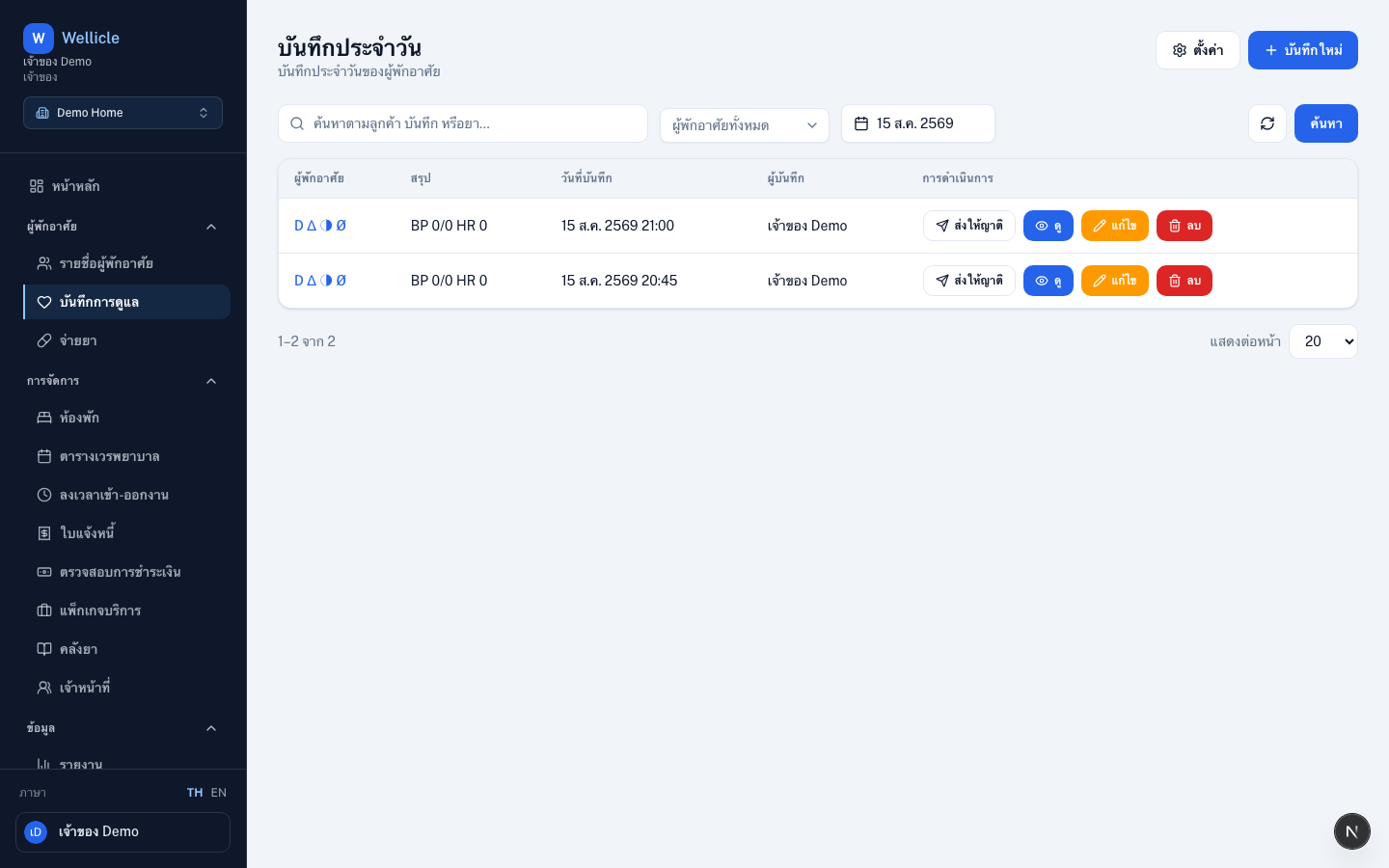
Open Daily care
Go to Daily care or /org/{slug}/daily-care.
Save a daily log
app.wellicle.com
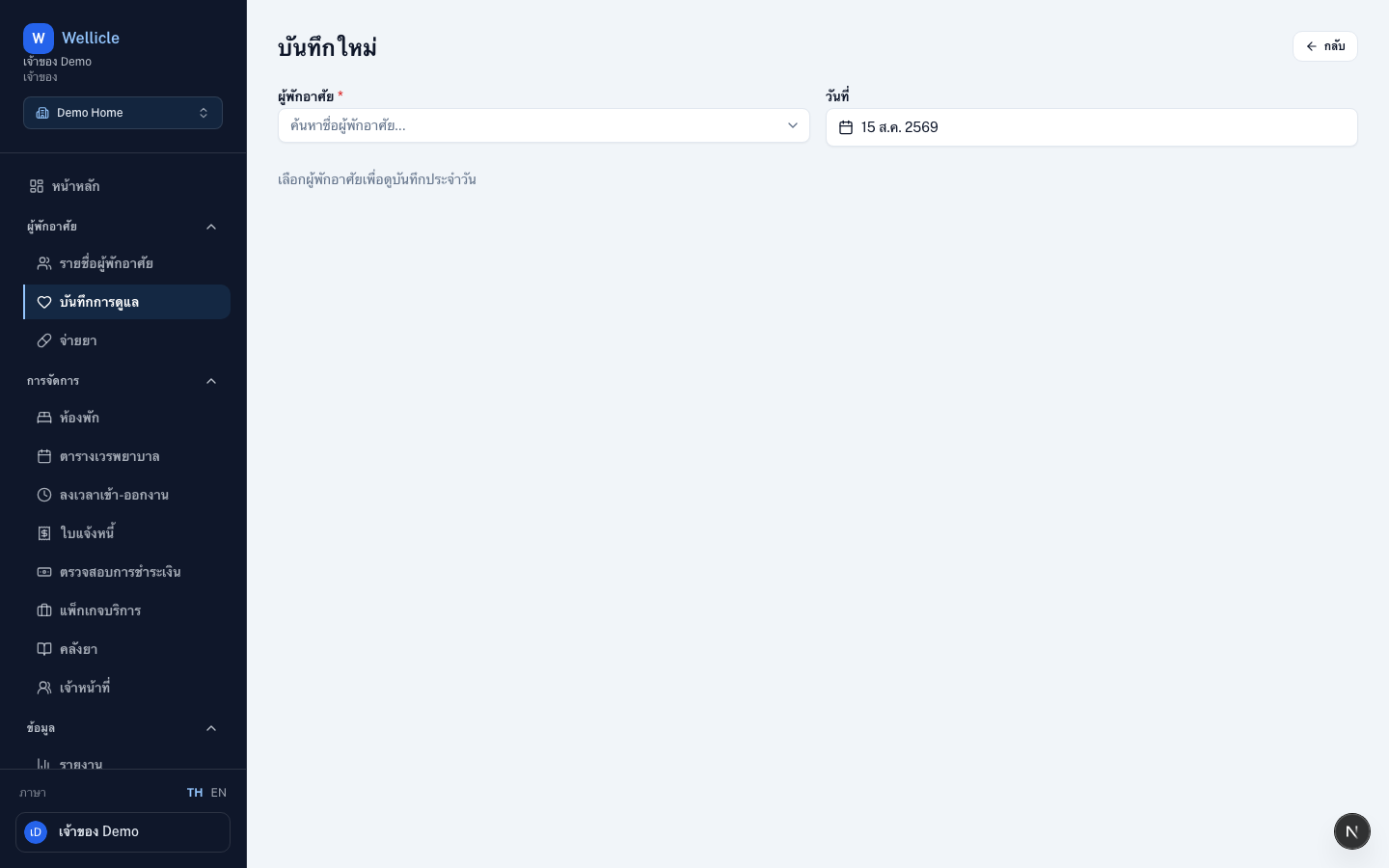
Start a new log
Choose New record (
/org/{slug}/daily-care/new)Select resident and date
Pick the resident and the care date (defaults to today)
Fill sections as needed
Enter vitals, mark medications, add meals, elimination notes, and activities or incidents in one form. Leave unused sections blank.
Save daily log
Choose Save daily log so entries appear in history and the portal
Check medications (give / miss)
On today’s log, pending resident medications appear in the Medications section.
Open today’s log
Open New record, select the resident, and keep the date as today
Review pending medications
Active prescriptions load automatically. Medications already logged today appear as read-only.
Mark each dose
For each pending medication, set status to Given or Missed
Save
Save the daily log to create medication logs. They appear in the list when you filter by Medication.
Publish to family
Use Publish to family on a row (or from a record detail) to send that day’s update.
app.wellicle.com
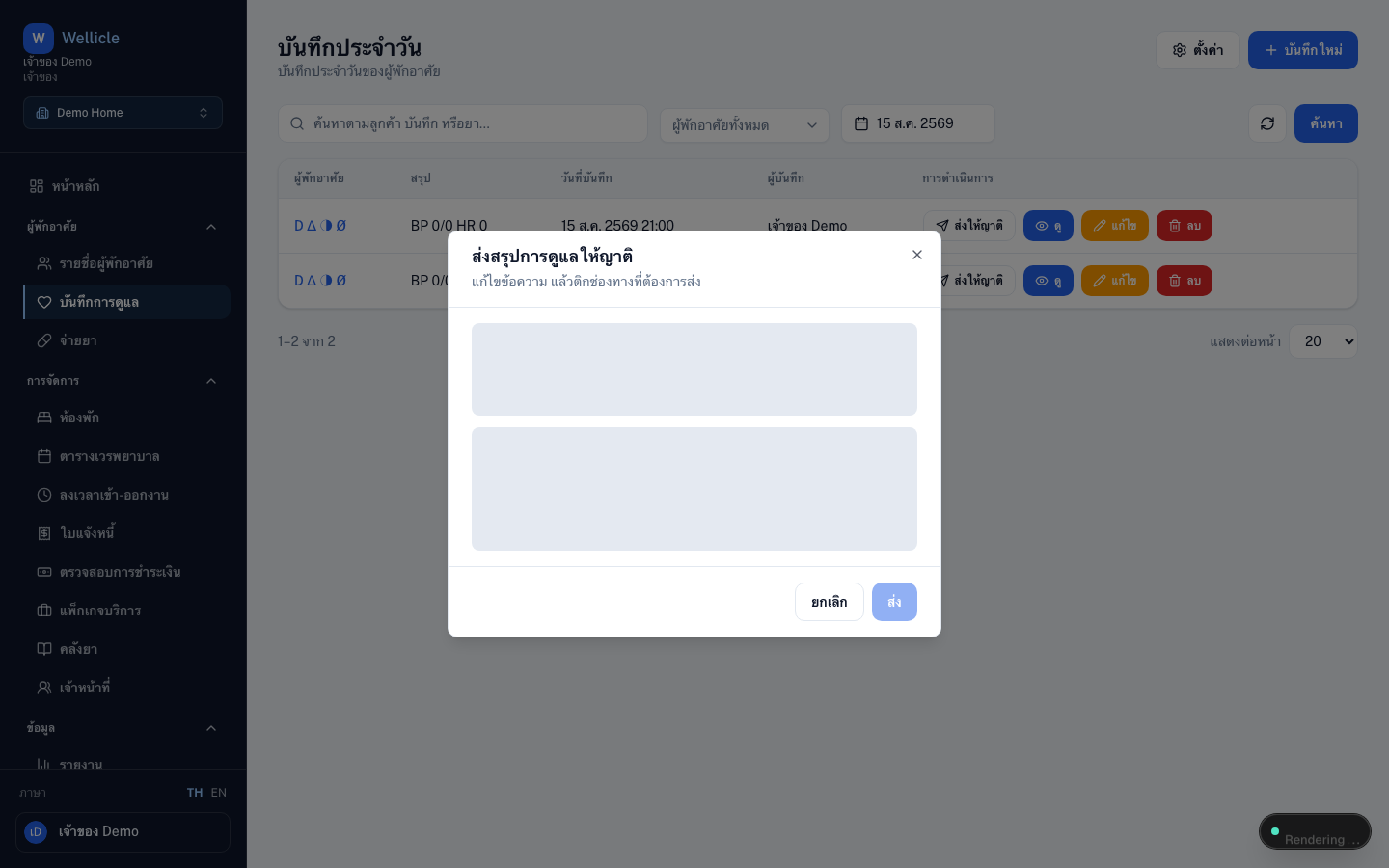
Open the dialog
Choose Publish to family for the resident and date
Review the preview
The family portal preview follows portal visibility
Edit the message
Adjust the draft text, then tick Send via channels (email and linked LINE, Telegram, Facebook, WhatsApp, or WeChat)
Send
Choose Send. Recipients must already have an email or a linked chat account
Portal visibility
app.wellicle.com
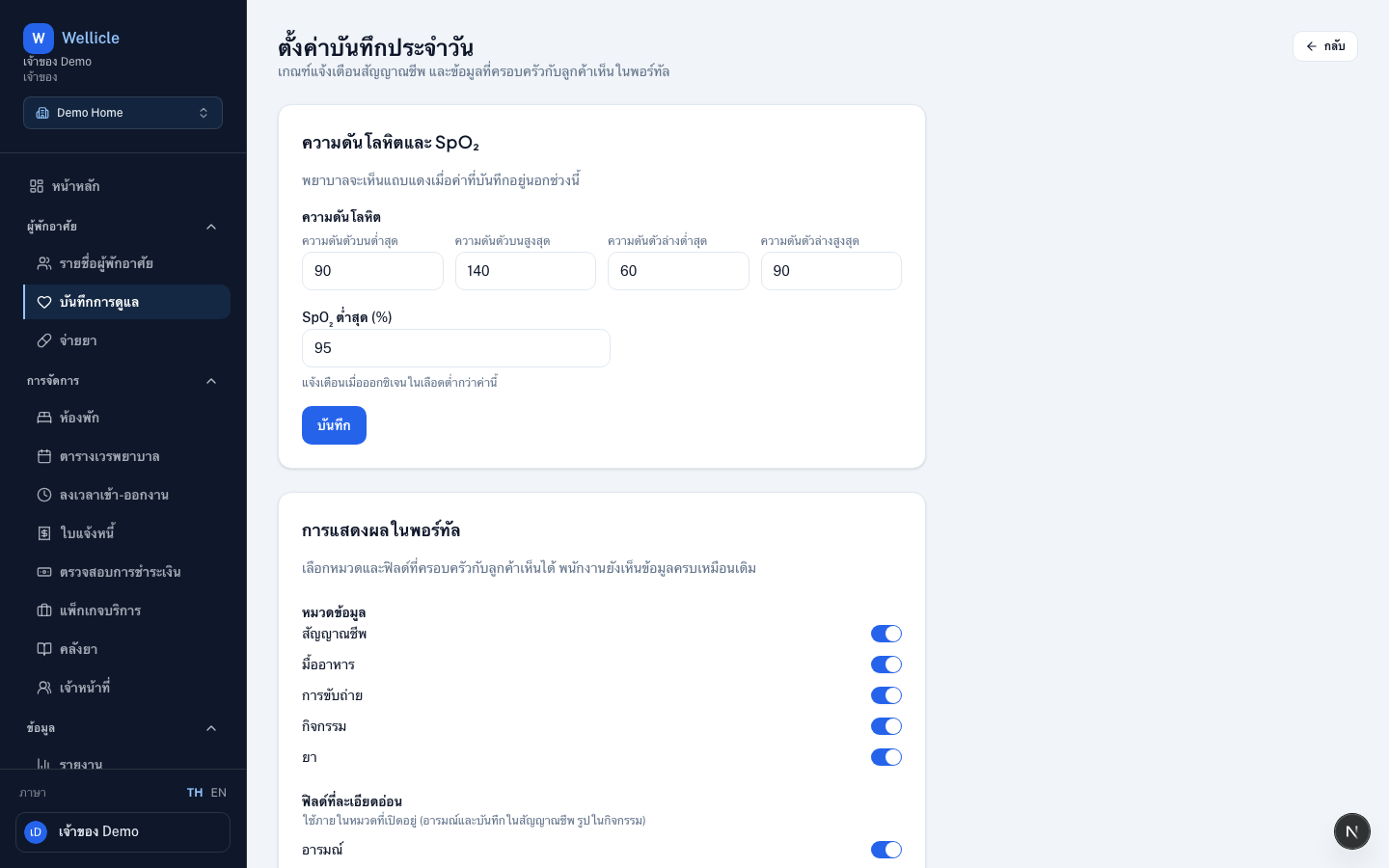
Open Settings (/org/{slug}/daily-care/settings) to choose which sections (vitals, meals, elimination, activities, medications) and sensitive fields (mood, notes, photos) FAMILY and CLIENT can see. Staff views are unchanged.
Edit / review history
The list at /org/{slug}/daily-care shows all care records across residents. Open a row to view or edit (/org/{slug}/daily-care/{id}). Medication logs are view-only (not editable).
Tips
- Filter the list by type Medication to review today’s give/miss logs
- Use search and date filters on the list to find past records
- Medication checks are available for today only; other sections can be filled for past dates when needed