
Resident list
Search, filter, and open resident profiles
Overview
Clients is the starting point for resident profiles, admission, and day-to-day care. Search and filters help you find the right person quickly.
app.wellicle.com
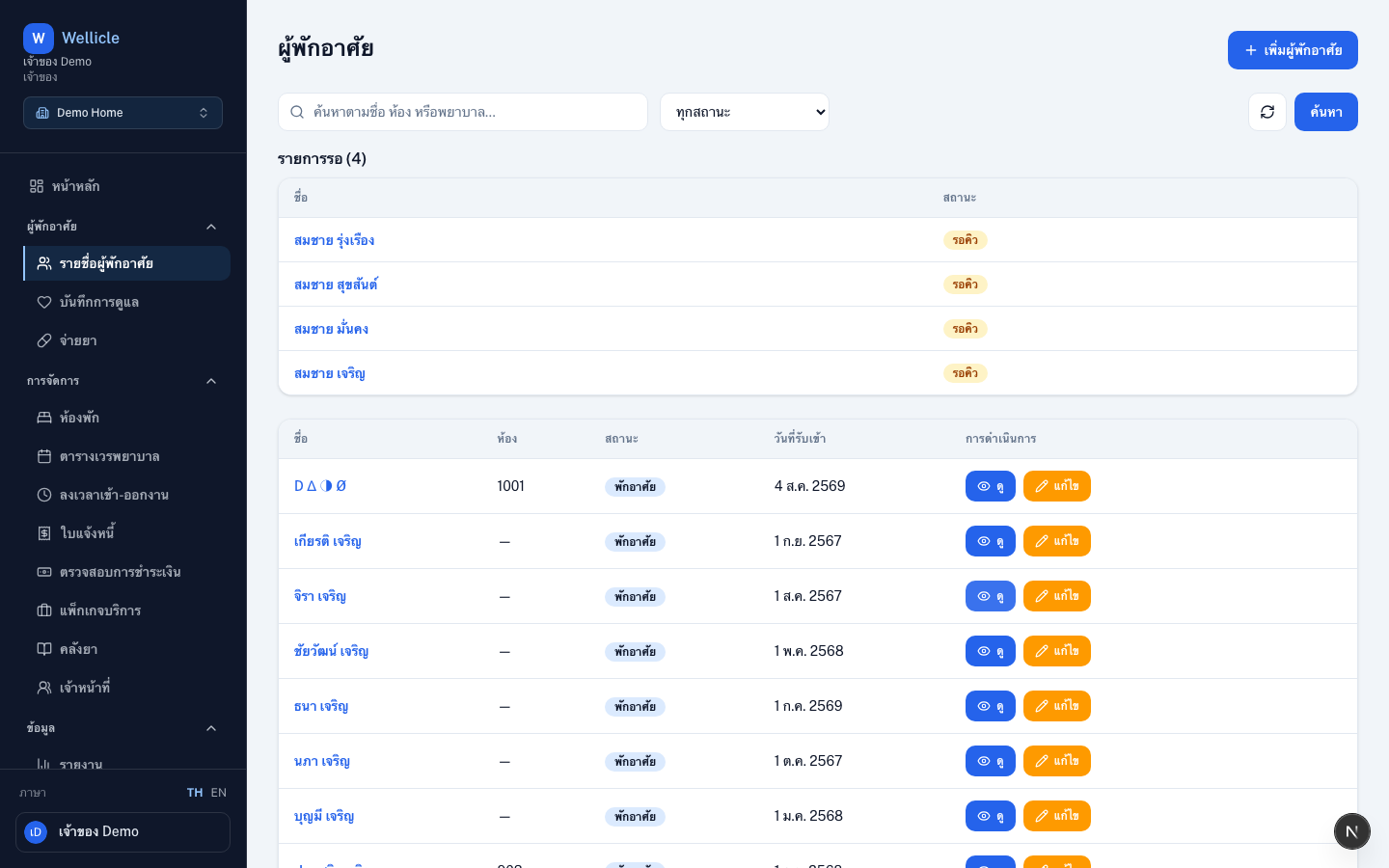
Open the list
Go to Clients in the sidebar or /org/{slug}/clients.
How to use it
Search
Find a resident by name, room, or nurse using the search field
Filter by status
Choose a status such as Active, Waiting, or Onboarding
Open a profile
Select a name to open the resident detail page
Add a resident
Choose Add client to start admission
Tips
- The waiting list section appears on this same page when people are waiting for a room
- After admission, enroll services from the resident profile when billing is enabled